How to attach an apartment in a chat
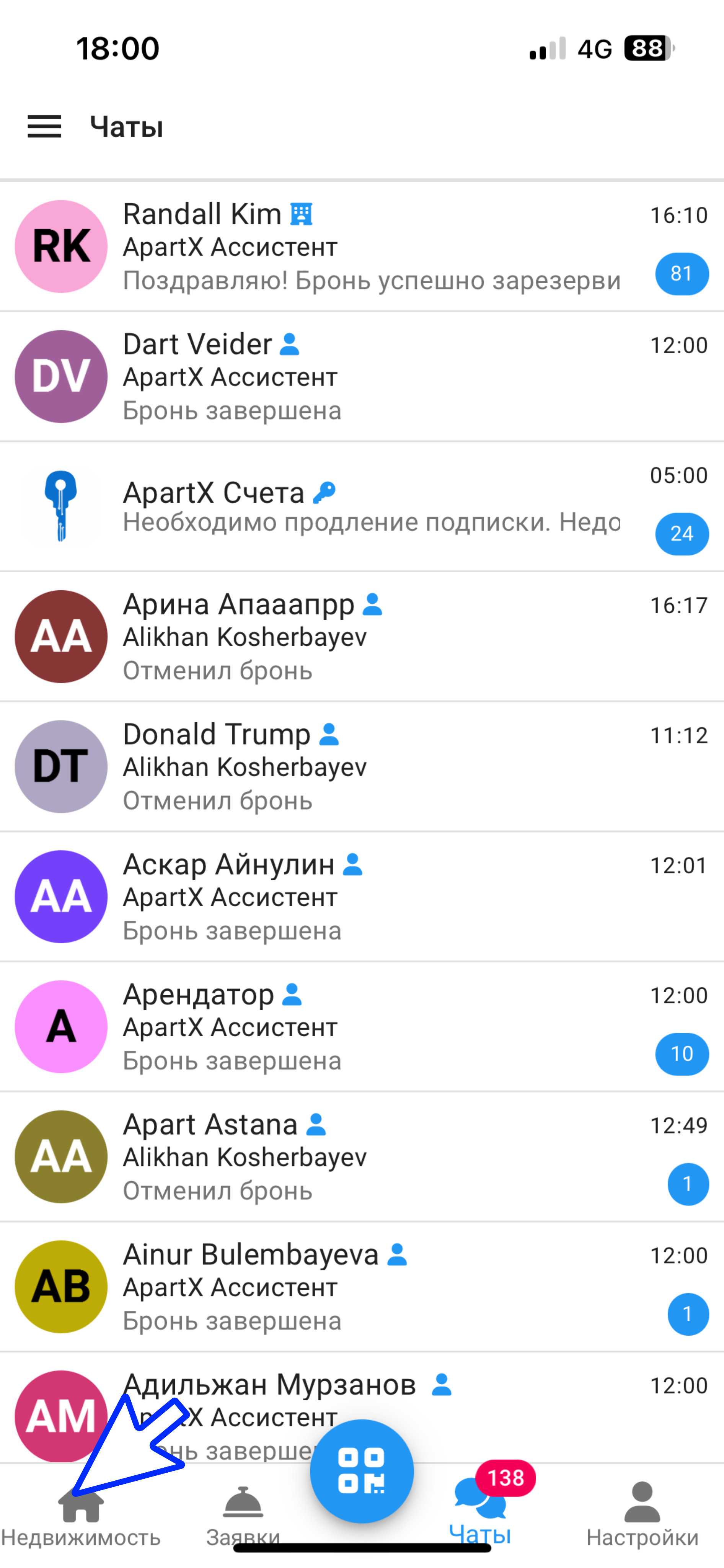
1. Go to the ApartX app. In the lower left corner, click on the "Real Estate" button and open a chat with the tenant.
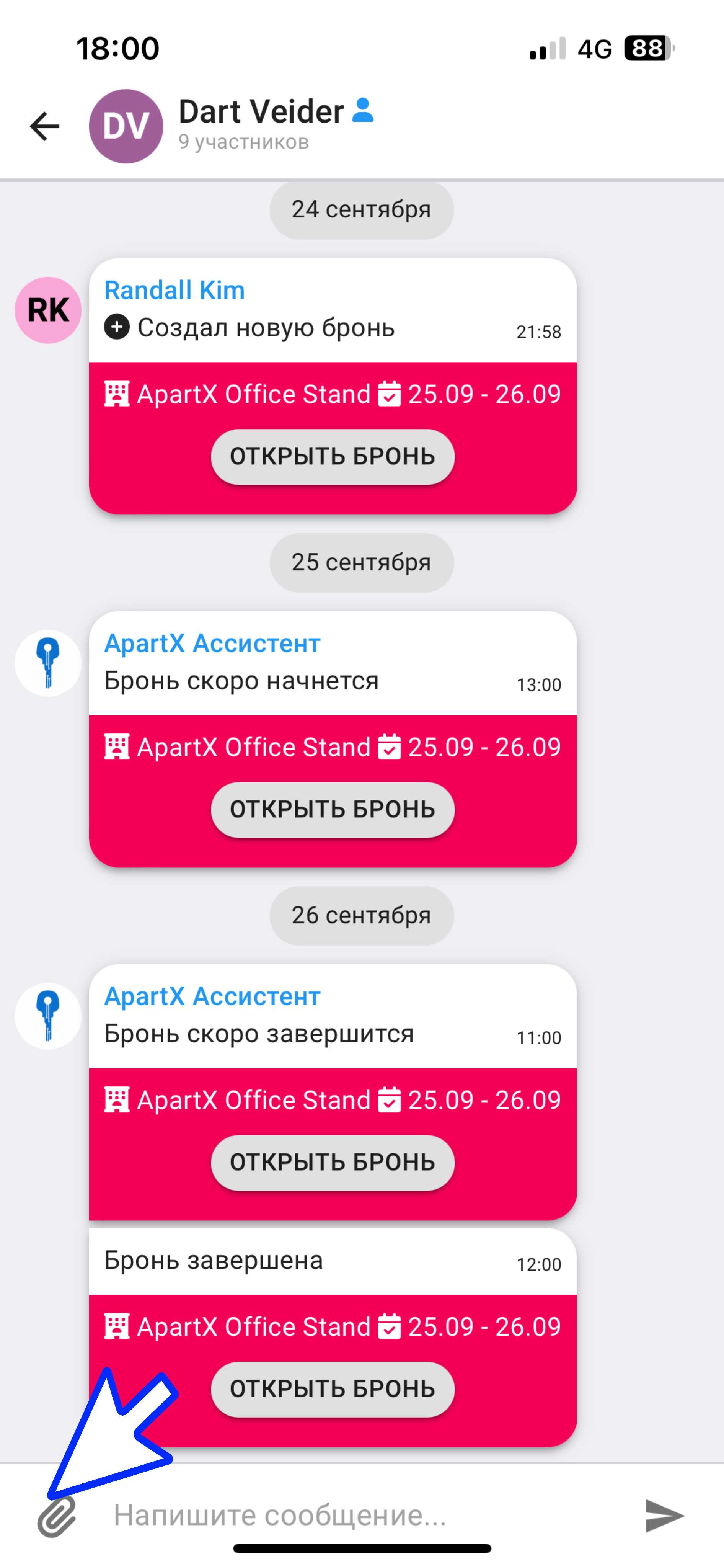
2. Next, click on the paperclip button in the lower left corner. Select the "Attach Apartment" button.
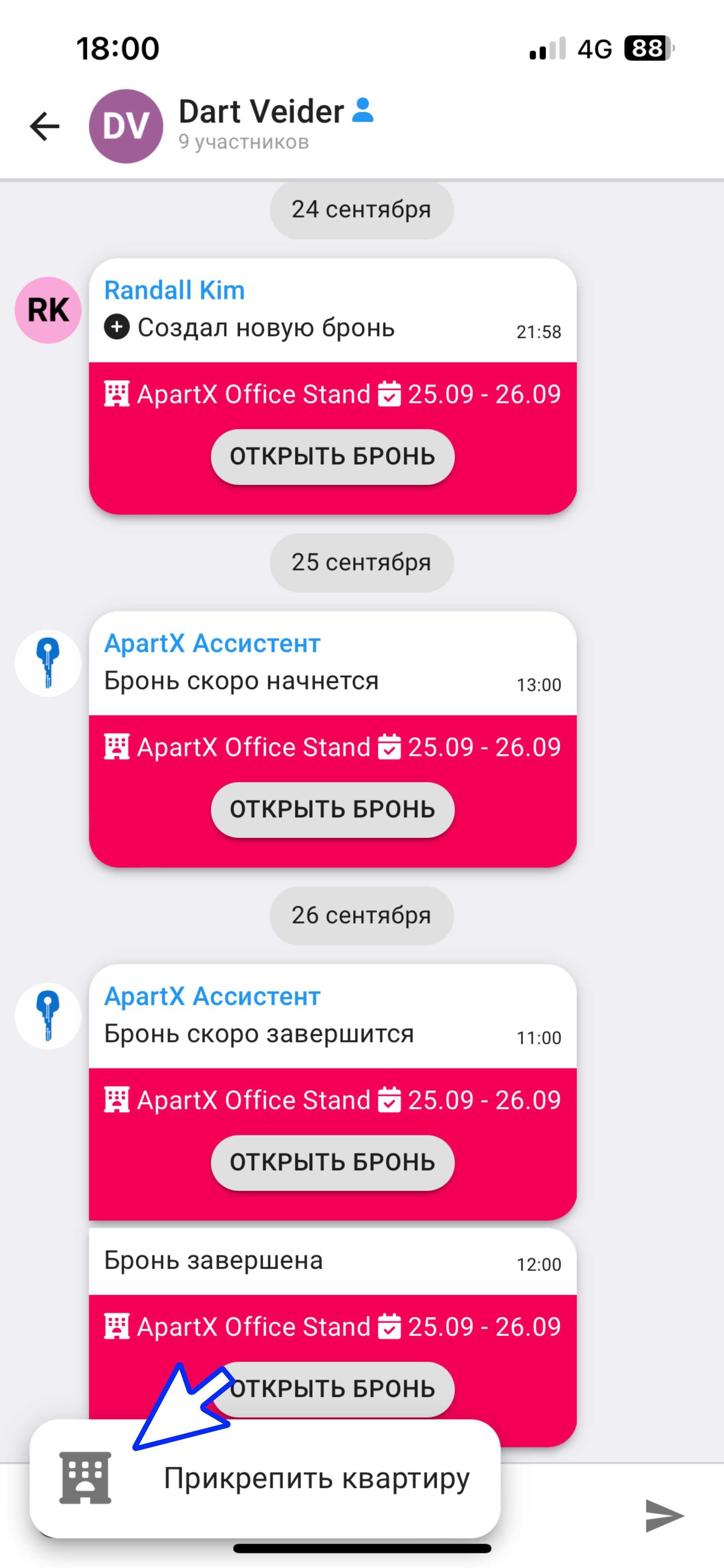
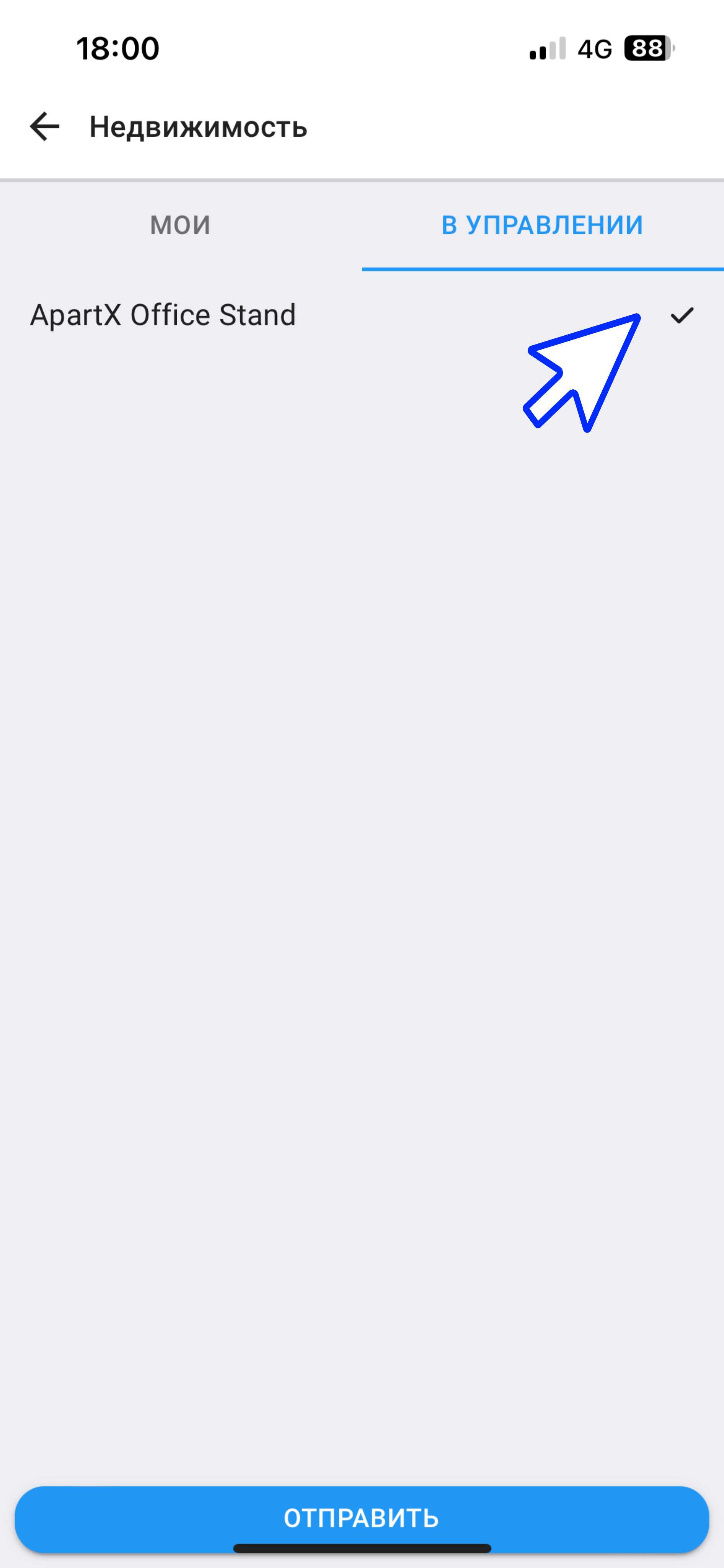
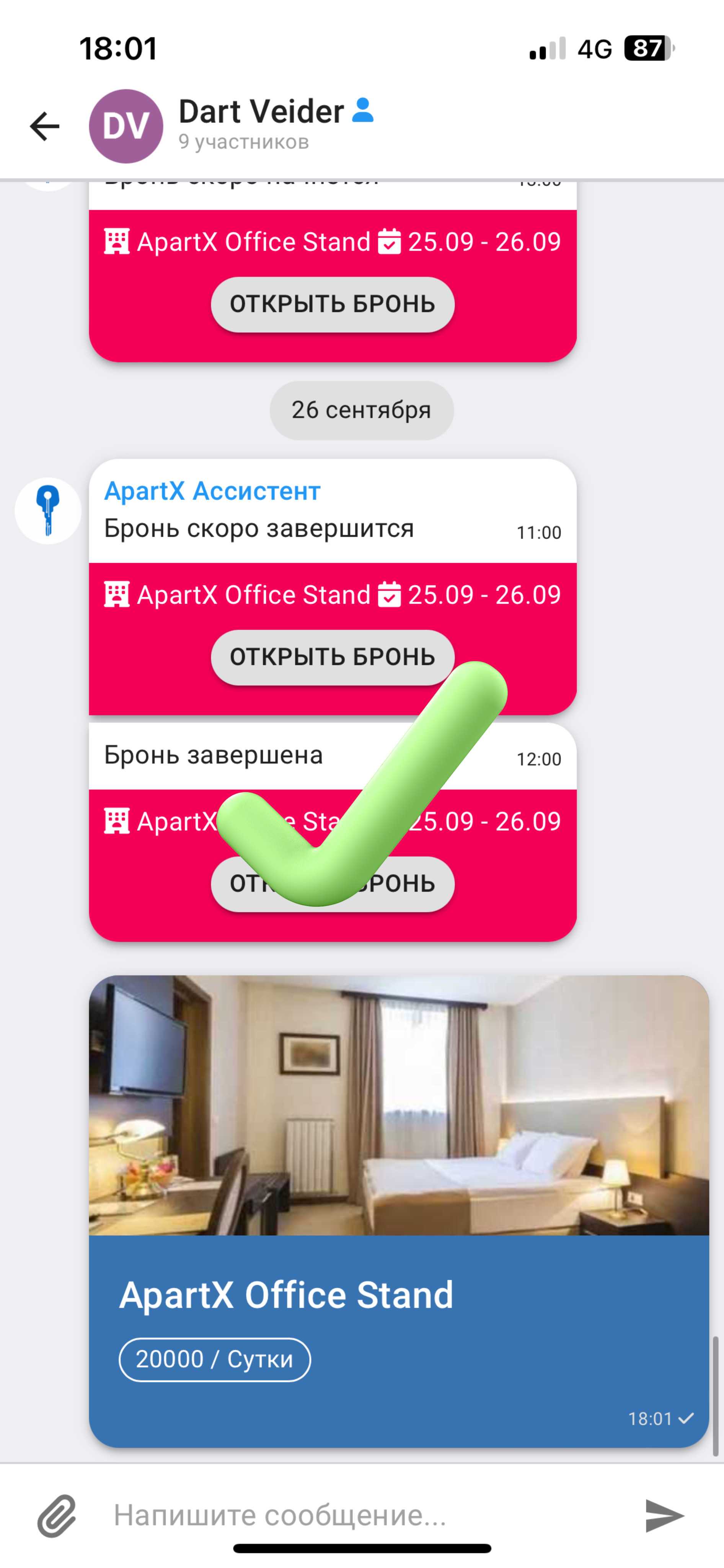
3. Select the apartment you need in the window that opens and send it to the tenant in the chat. You have successfully attached the apartment in the chat.