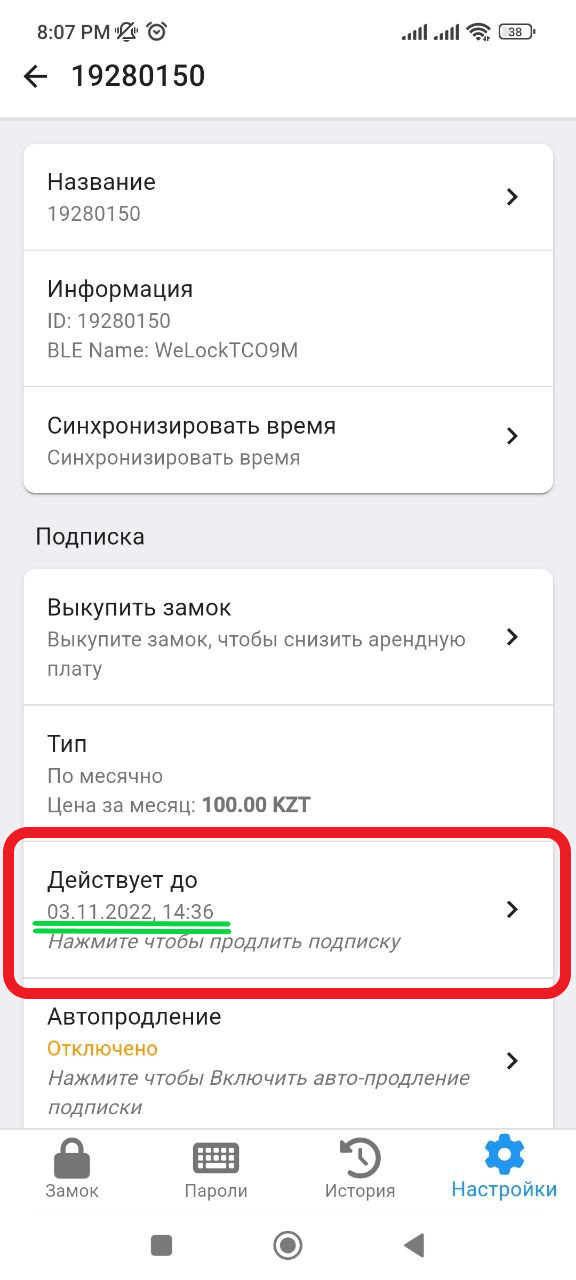
Subscription payment
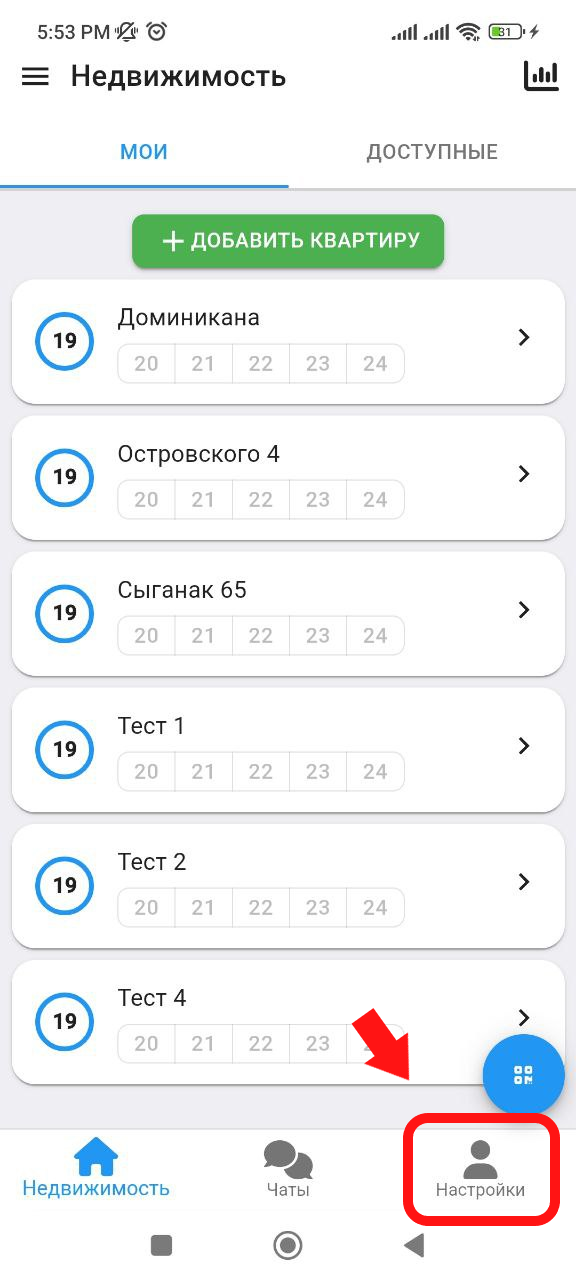
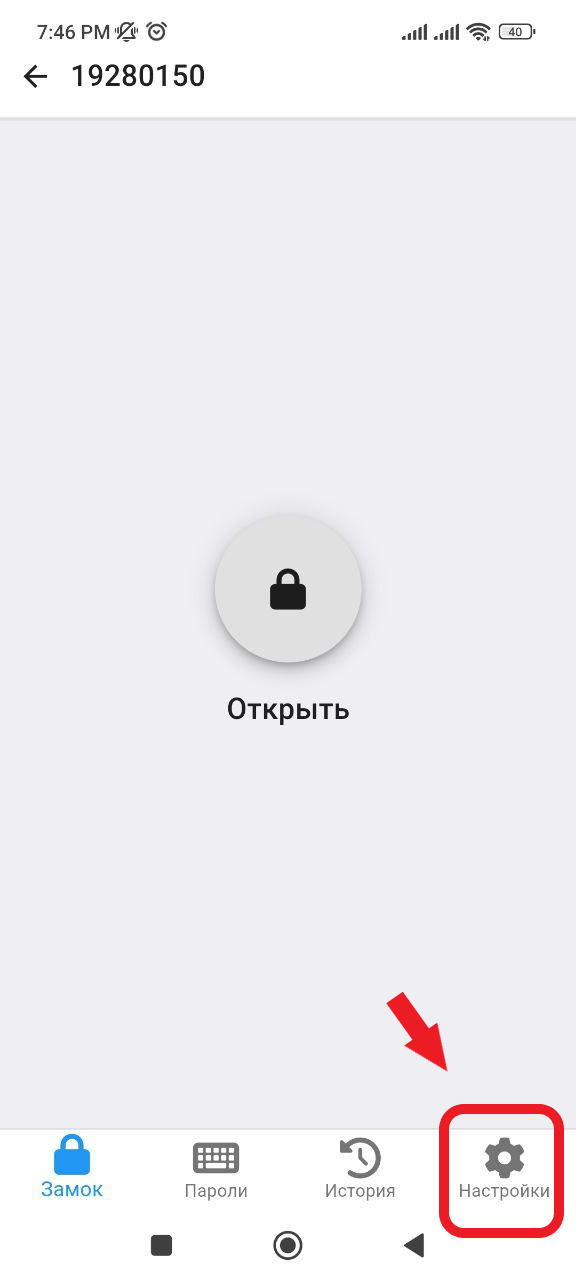
1. In the main window, click on the " Settings " button, which is located in the lower right corner. (see example below)
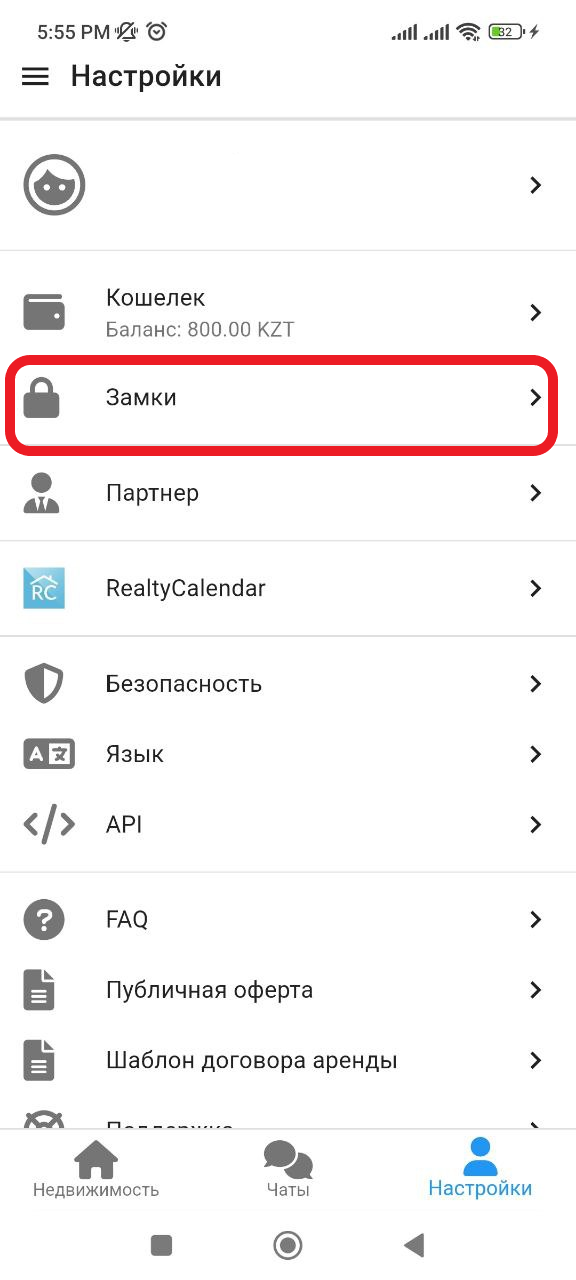
2. In the window that appears, click on the " Locks " button. (See example below)
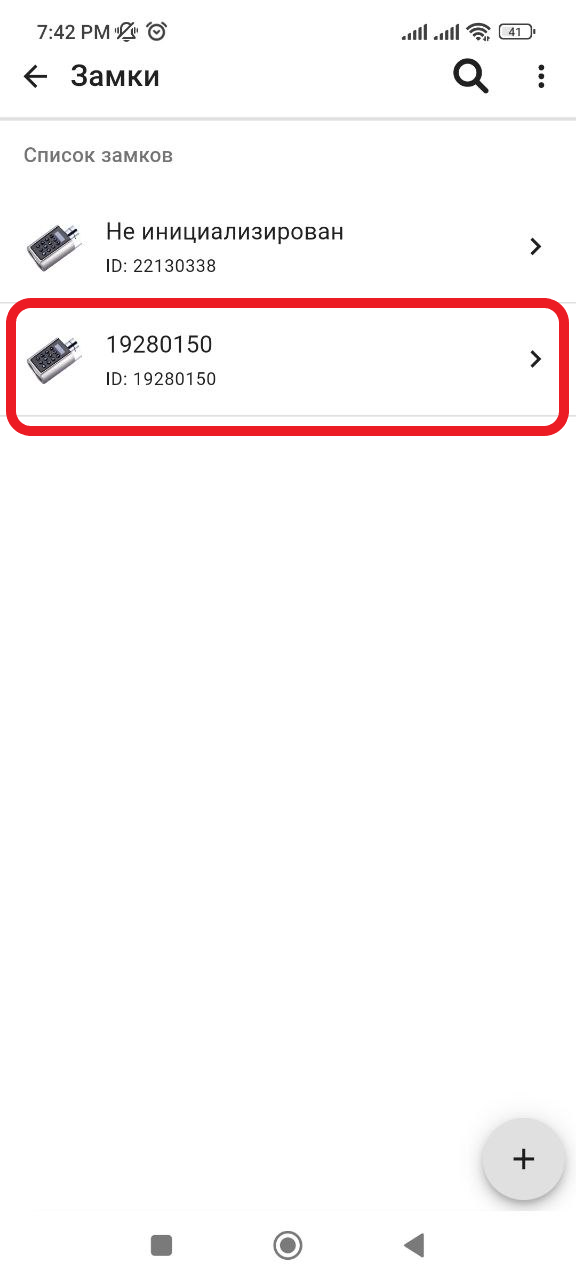
3. In the window that opens, select the lock you want to pay for the subscription for. (See example below). If your lock is not initialized, you will first need to connect the lock (insert batteries), then click the " initialize lock " button, the system will automatically find it via Bluetooth.
4. Next, click on the " Settings " button. (See example below)
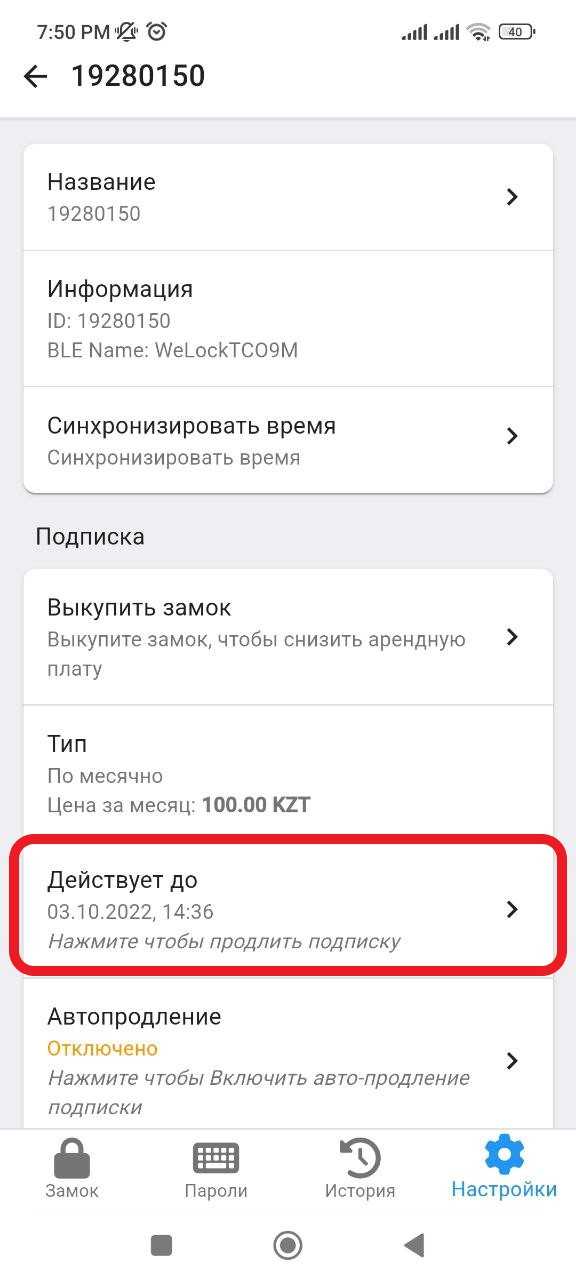
5. In the window that opens, in the Subscription section, click on the " Valid until " button. (See example below)
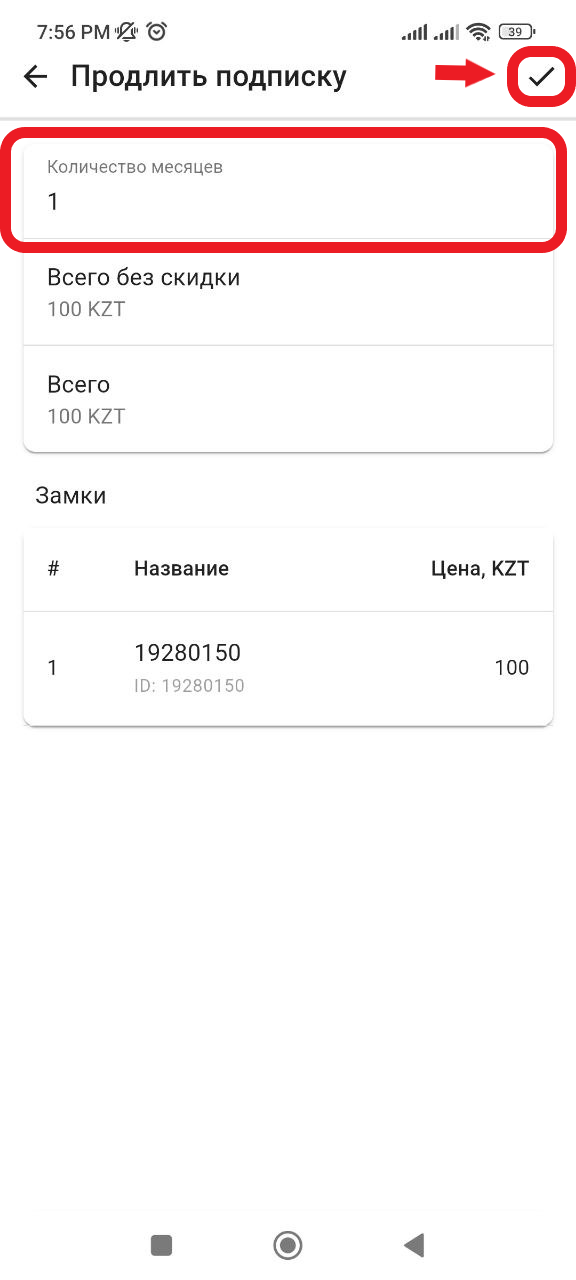
6. In the window that opens, in the " Number of months " column, you can specify how many months you want to pay for the subscription (the default is 1 month). Then, to complete the payment, click on the " ✔ " button in the upper right corner. (See example below)
7. After payment, you will automatically go to the previous window and to check the subscription payment, the date/time of the subscription end will be indicated above the " Valid until " button, for the number of months that you paid for. Subscription payment is complete (see example below)