How to process cleaning requests
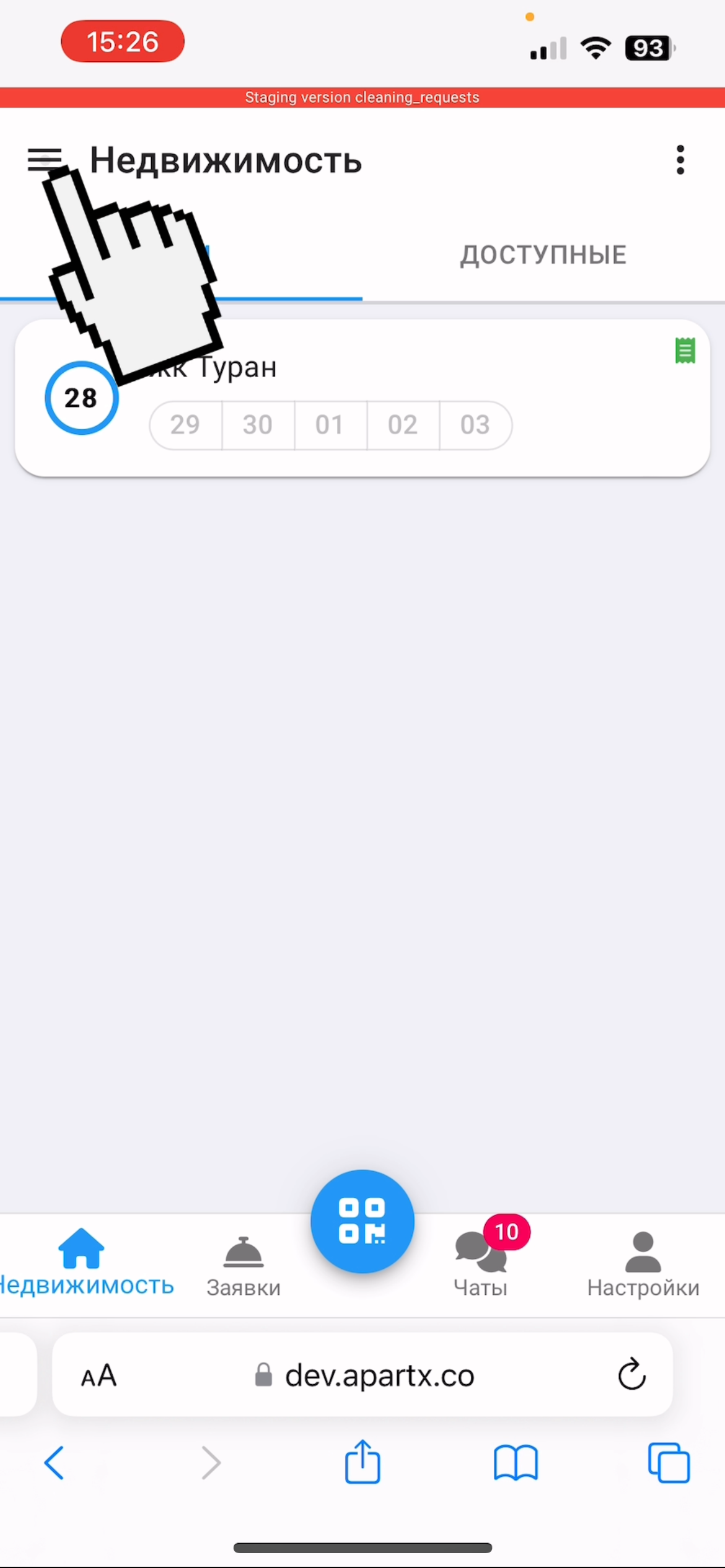
1. You can view all cleaning requests in the application. To do this, go to the "Real Estate" section and click on the menu button in the upper left corner
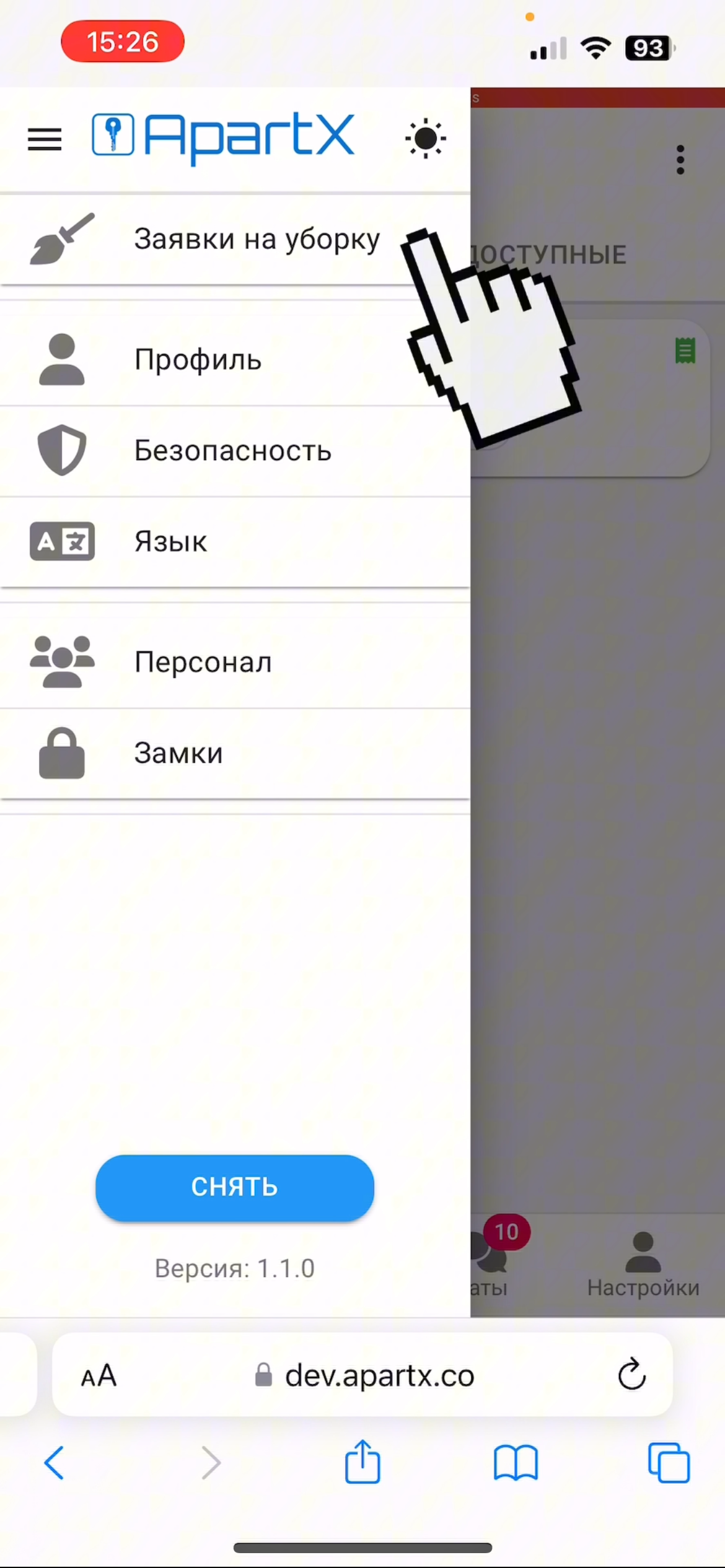
2. Select “Cleaning Requests” and go to the page with requests
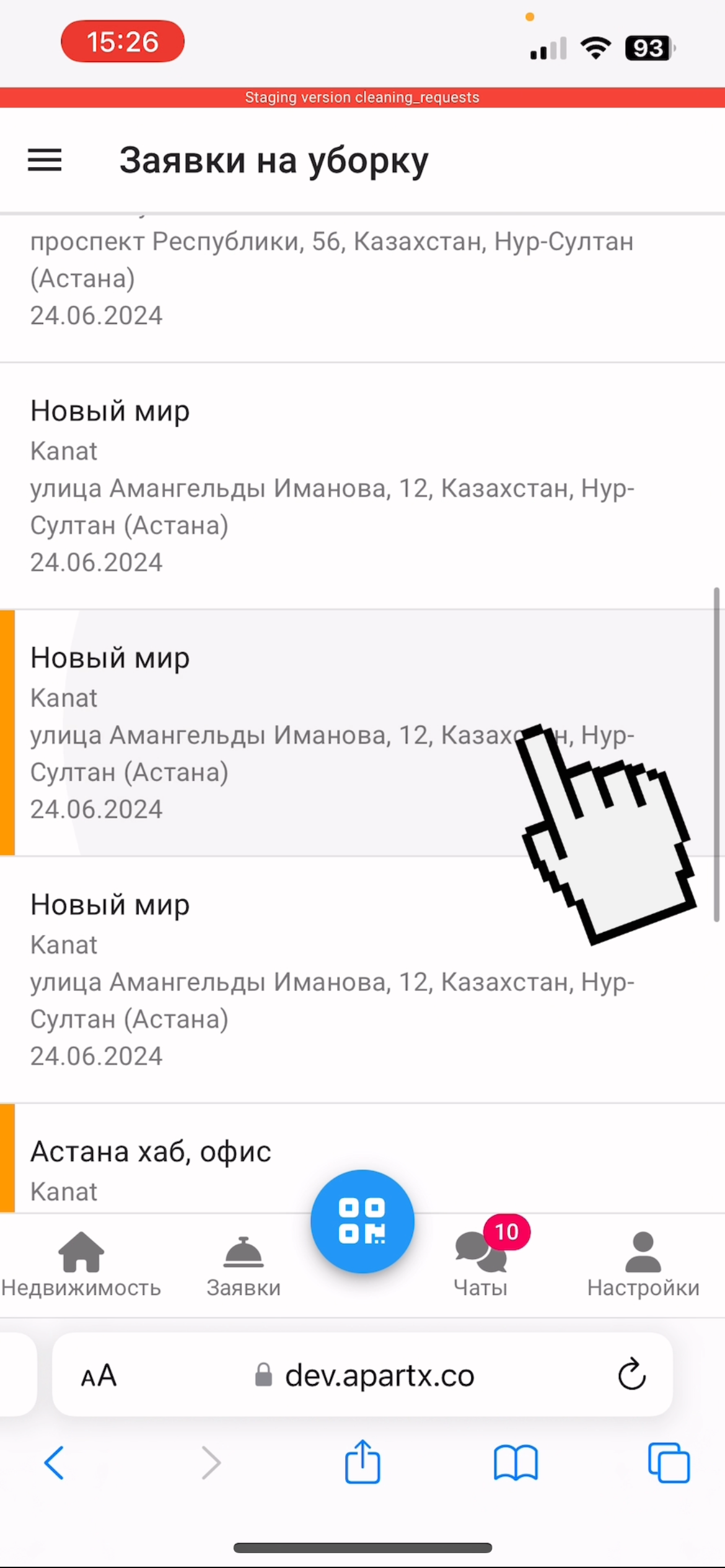
3. Select the required application. In order to respond, click on the application.
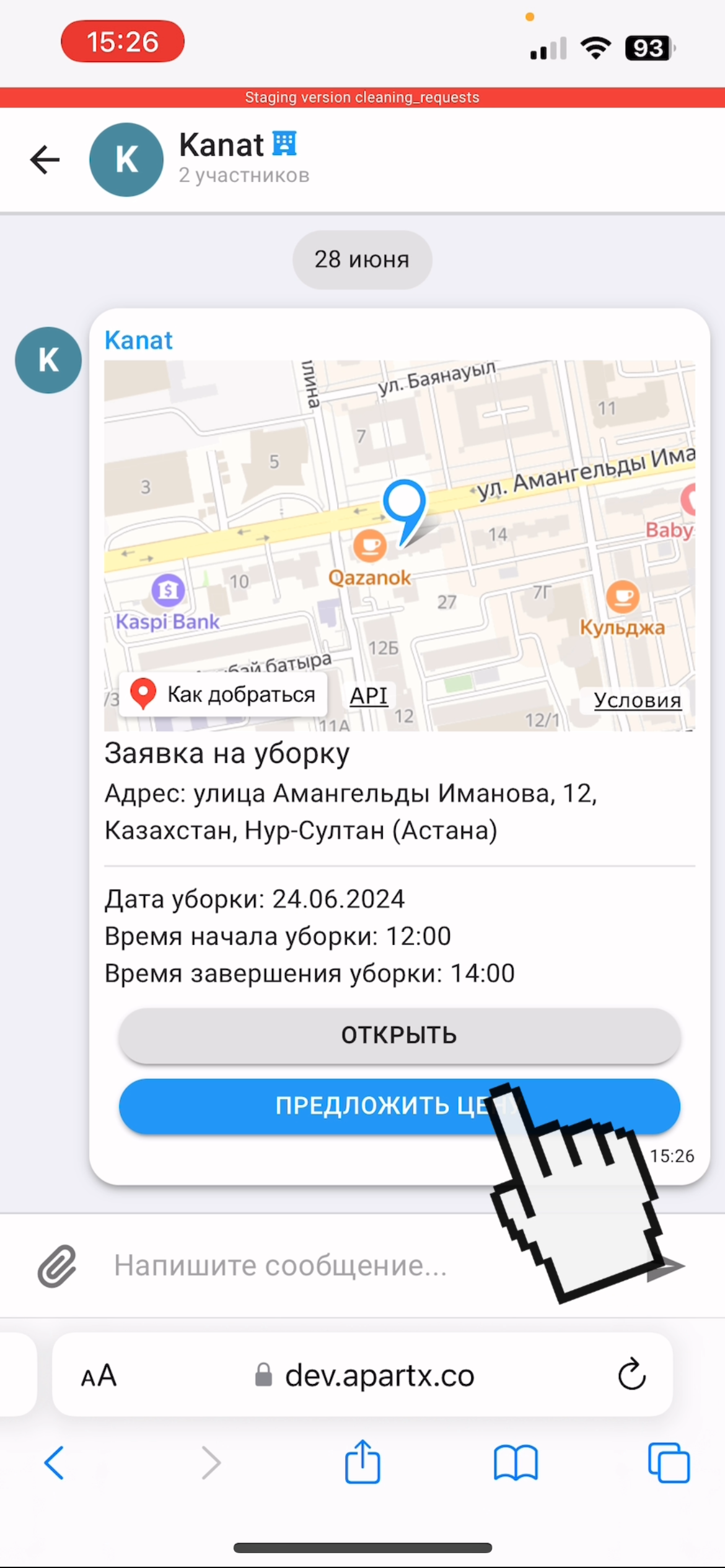
4. Next, we offer your price, to do this, click on the button "Offer a price"
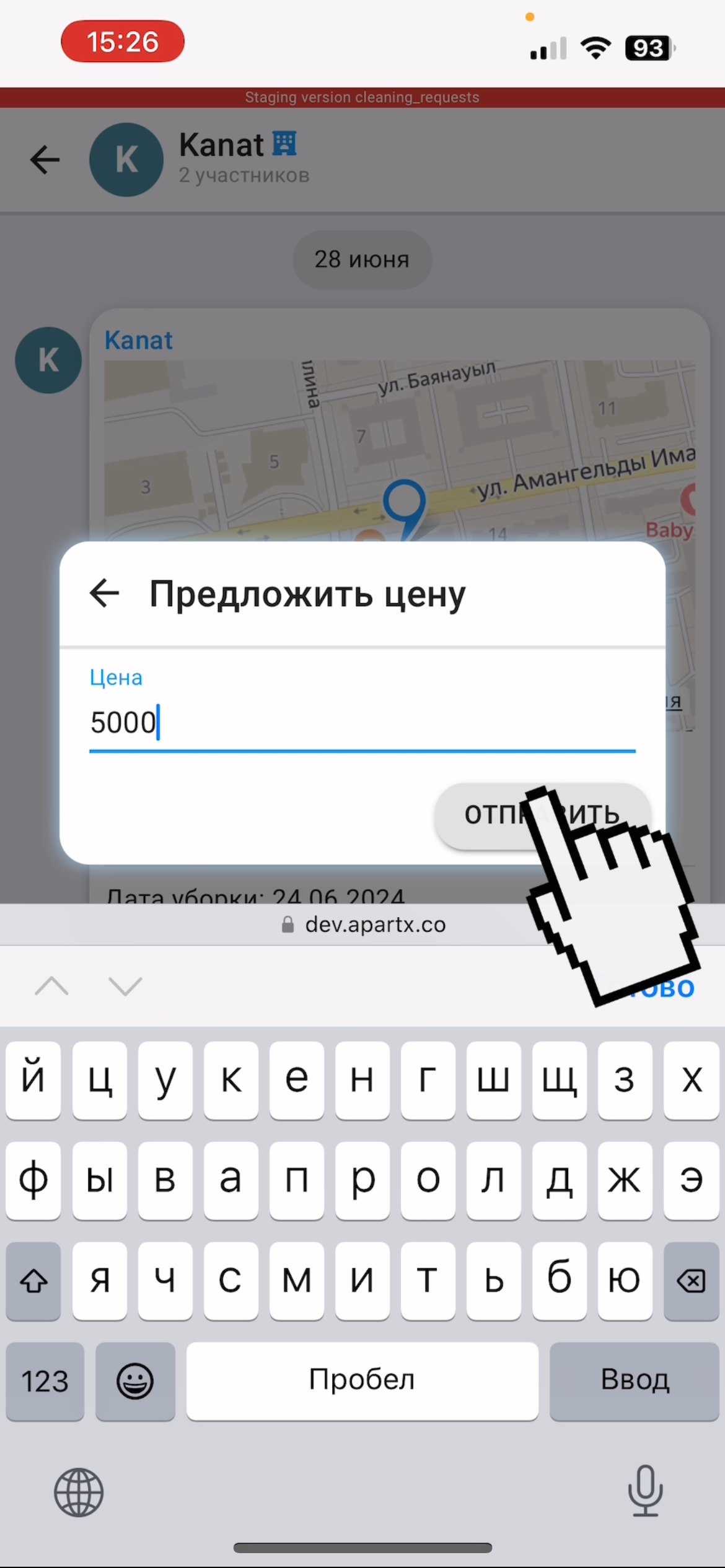
5. Write the price and click the "Send" button. Congratulations, you have successfully responded to the application, you can expect a response from the landlord!