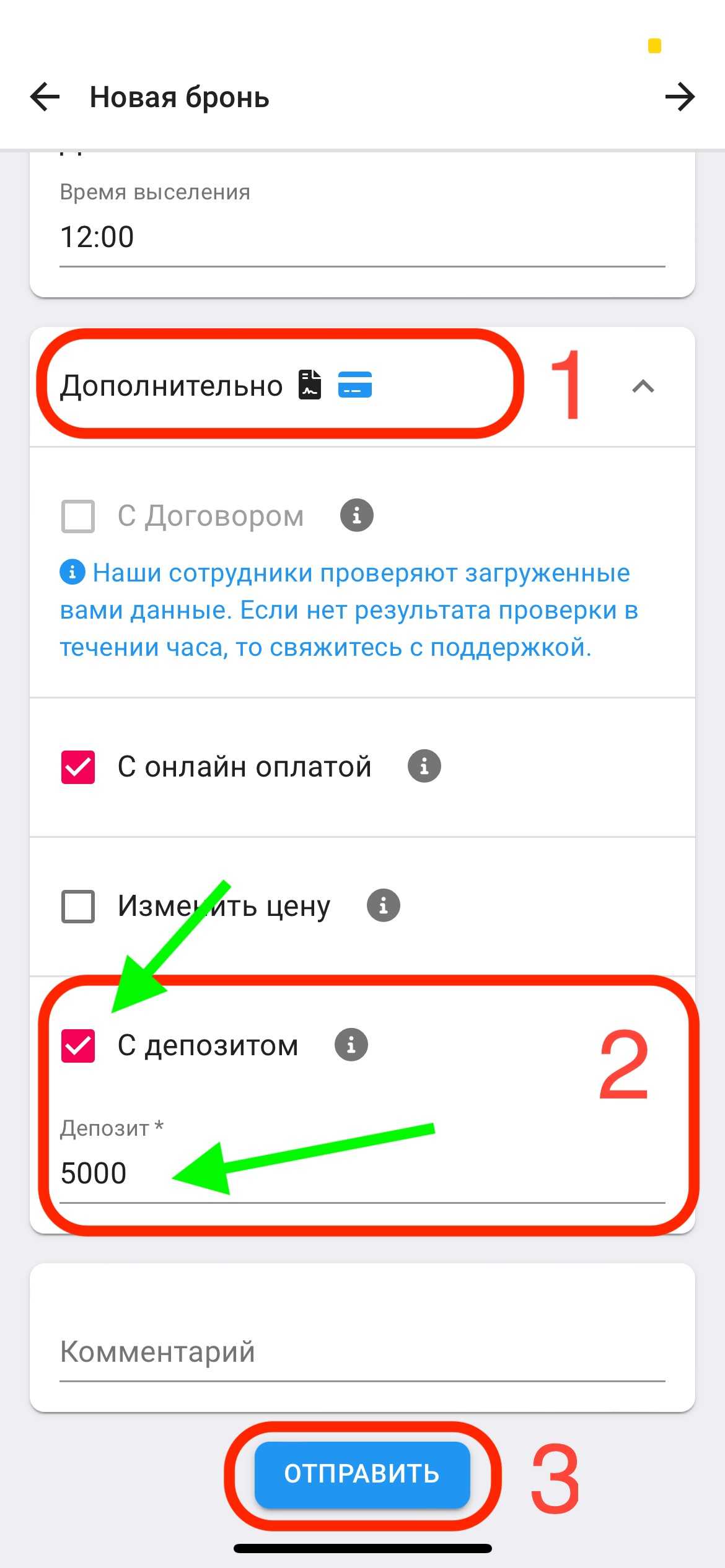
Add/remove deposit, change deposit price
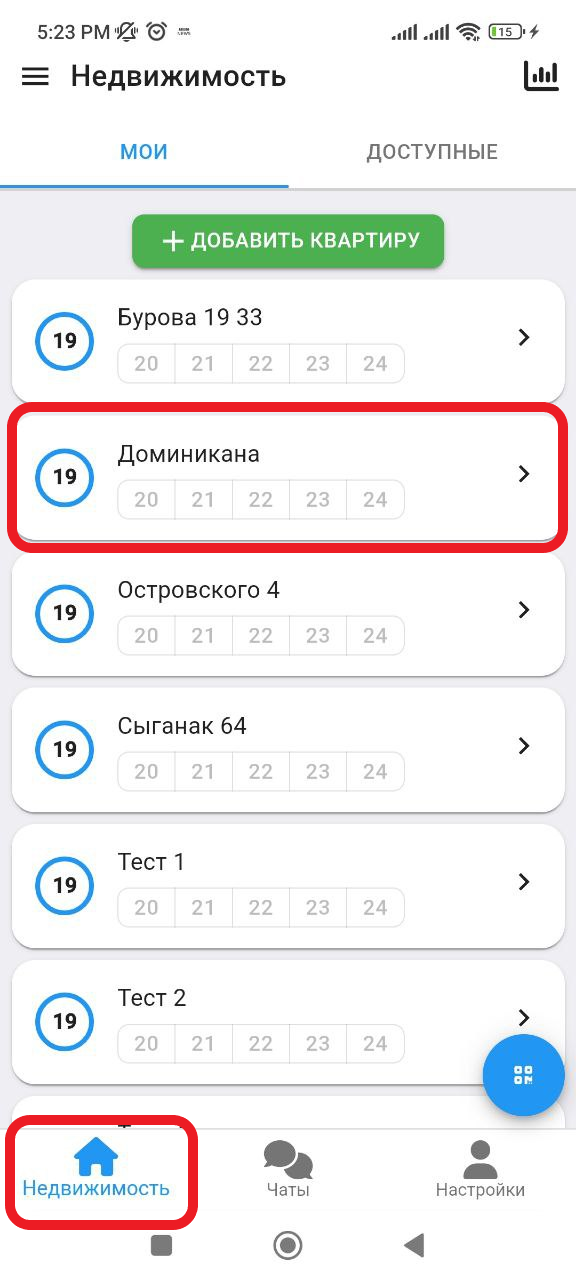
1. In the working window, click on the " Real Estate " button. Then select the real estate in which you want to create a reservation. (see example below)
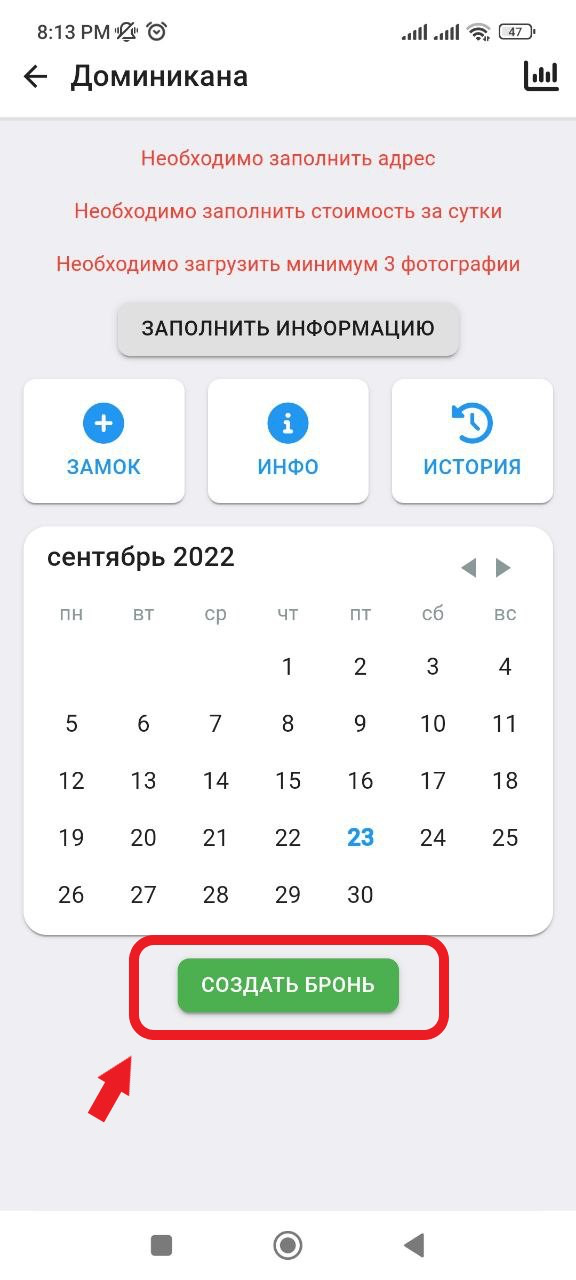
2. In the window that opens, click on the " Create a reservation " button. (See example below)
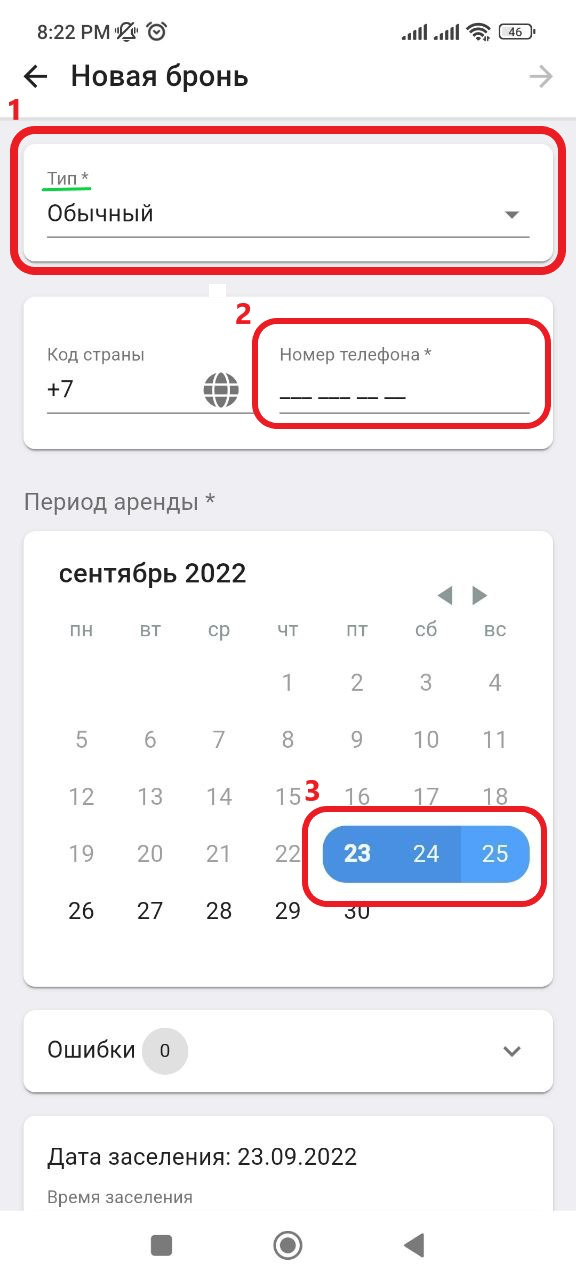
3. In the new window, in the " Type " column, select " Normal ", then enter in the " Phone number " column the contact information of the landlord for whom you are creating a reservation. Also, on the calendar, select the dates for which you want to reserve the property. (See the example below for points)
3.1 Then scroll down the page, you can add/remove a deposit and specify the price. Also, by clicking on the " Additional " button, you can select the parameters for creating a reservation:
- With Deposit
In the " Deposit " column you can specify the deposit price.
After filling in all the parameters, click on the " Send " button. (See example below)