Deposit (priority: long term rental)
1. To use the Deposit function, you must create a reservation for the required dates
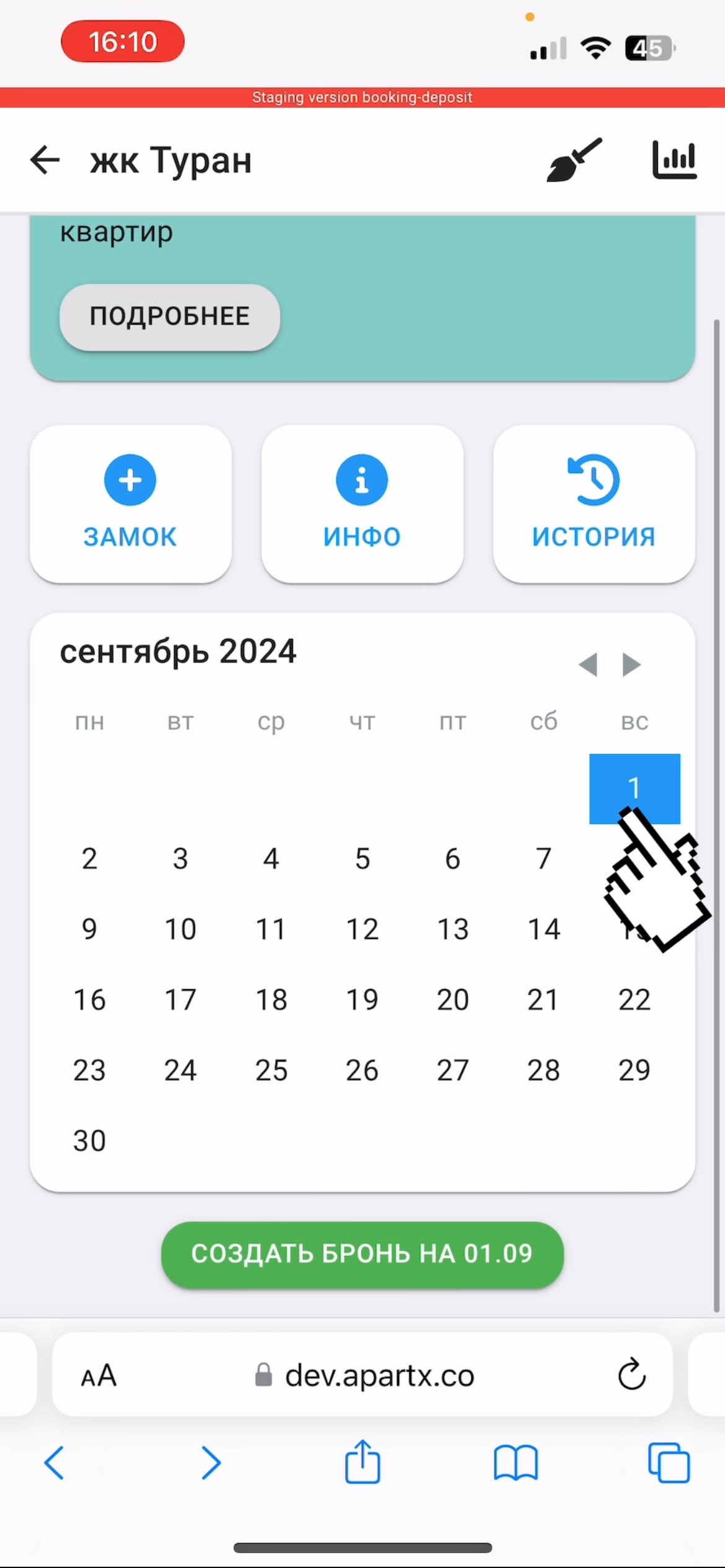
2. Next, after entering the tenant's contact information, select the booking period 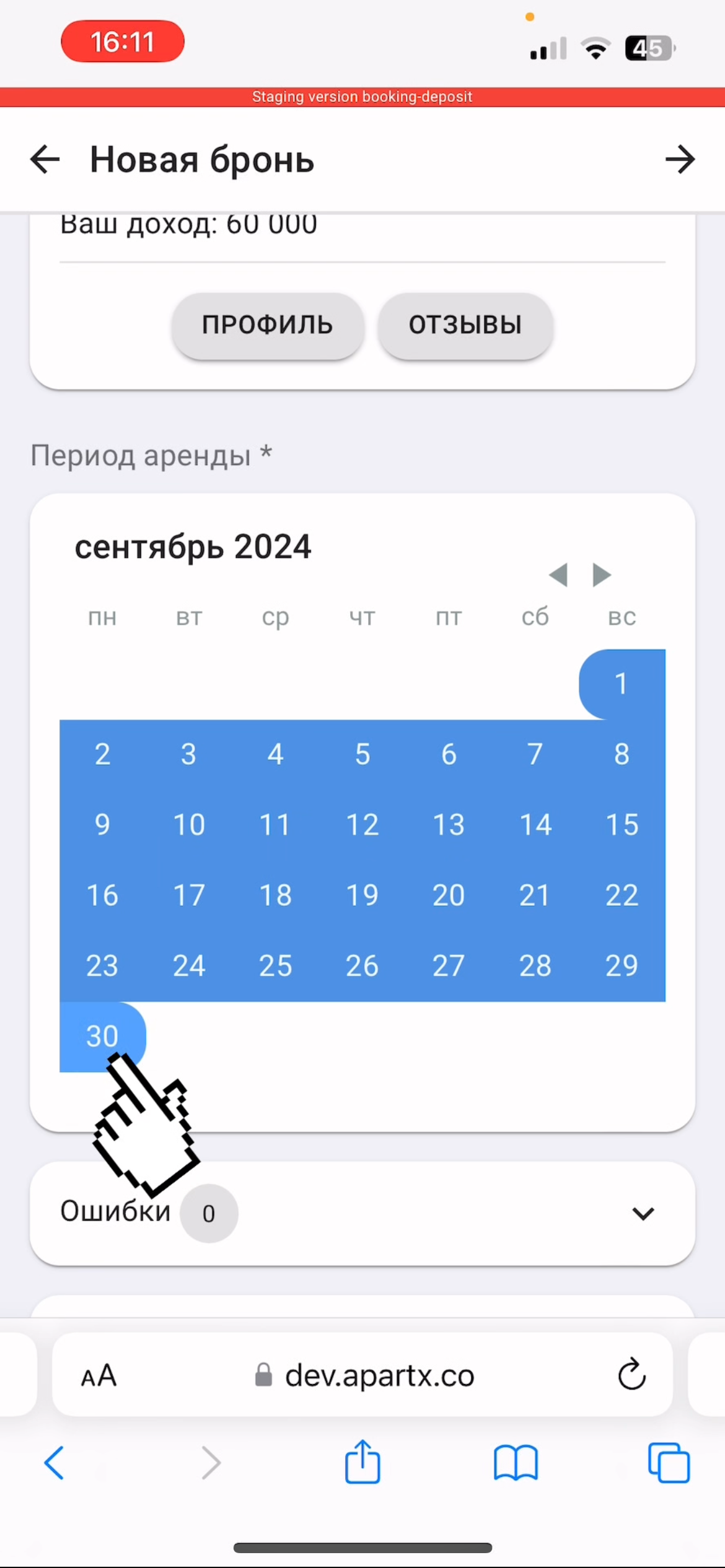
3. Scroll down and in the "Additional" sub-item, check the "With deposit" and "Online deposit payment" buttons and enter the deposit amount. Send the contract to the client for signing via WhatsApp 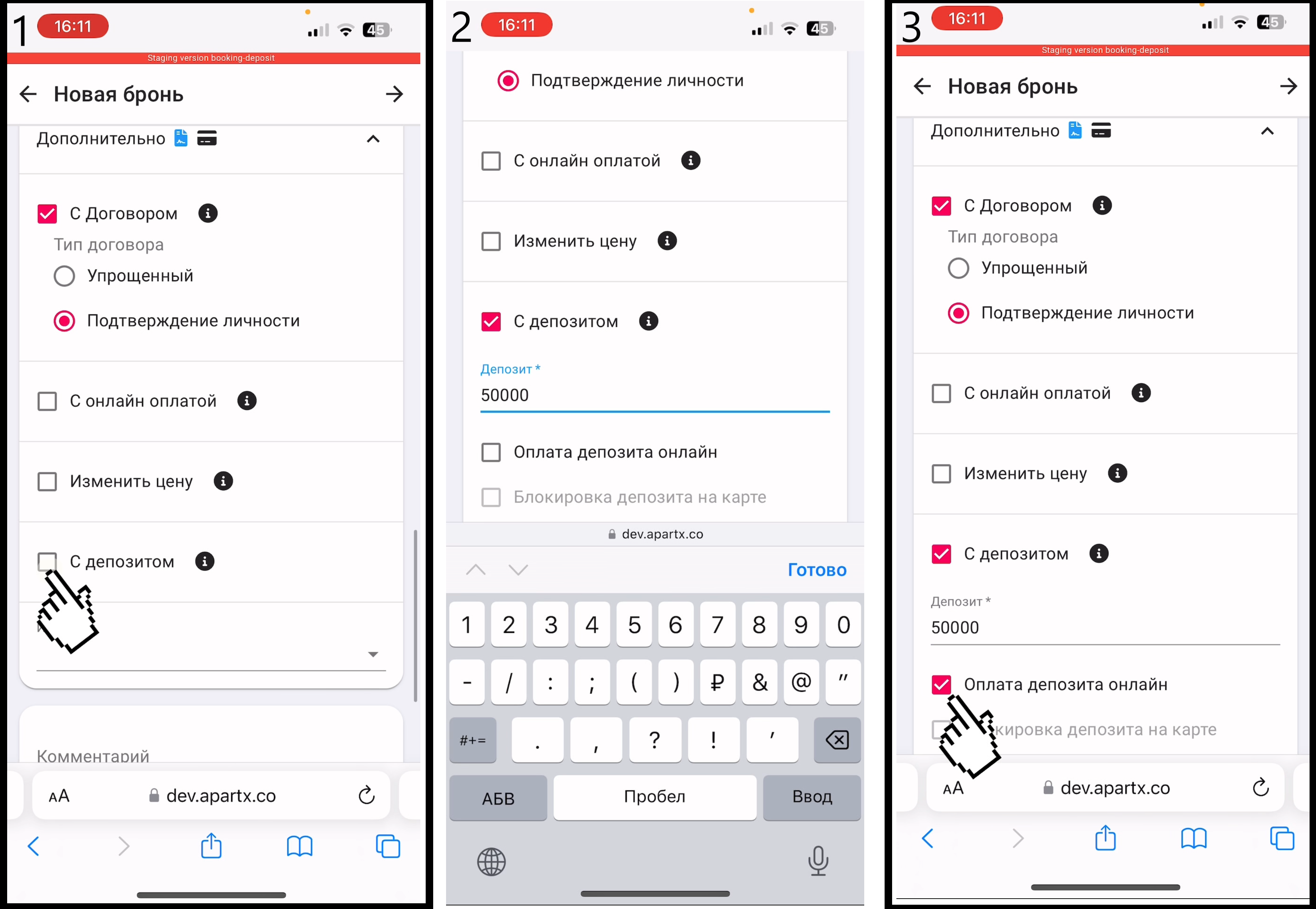
4. The tenant, by clicking on the first link, signs the contract and makes a deposit, indicating the card details for online payment. 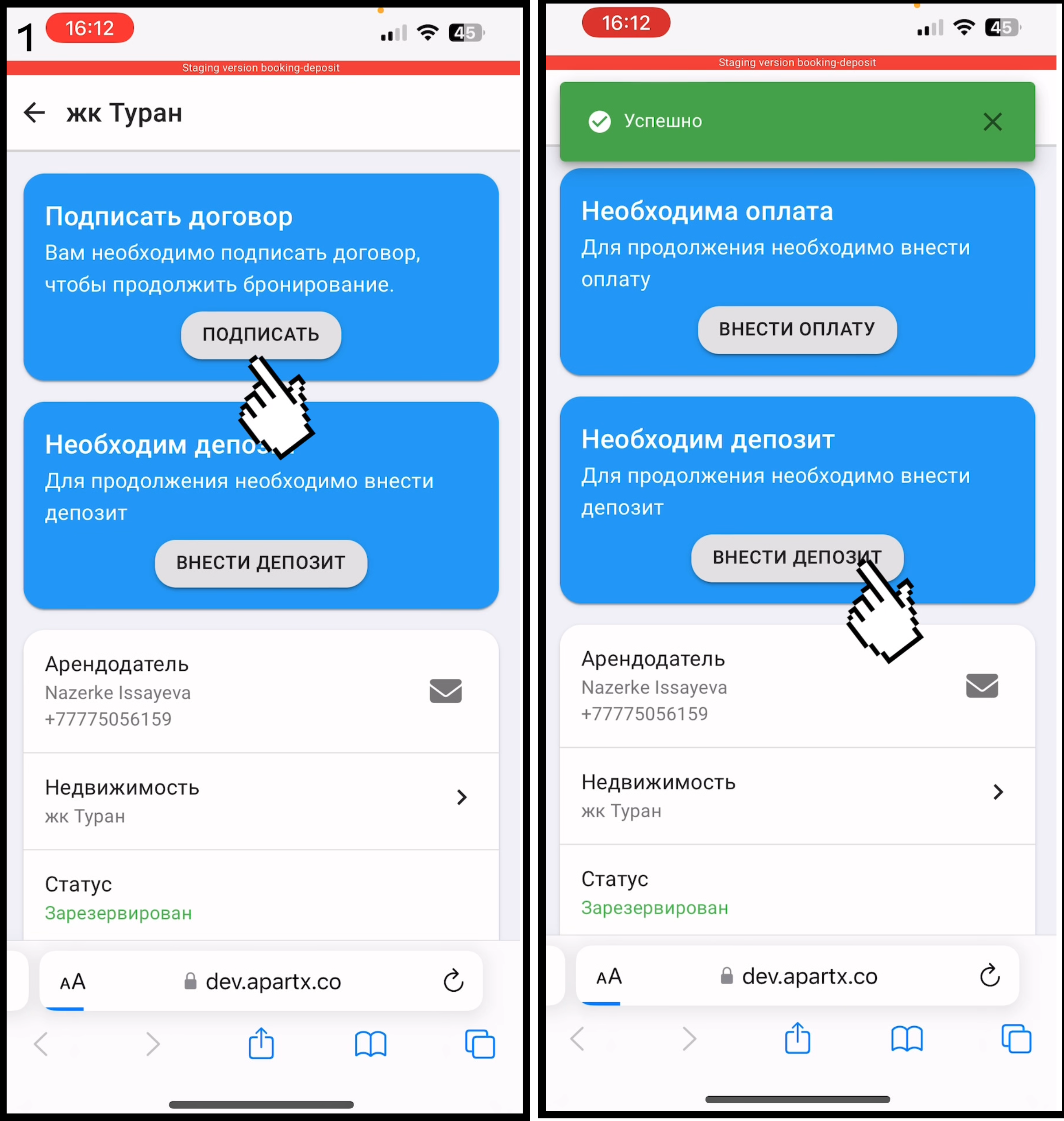
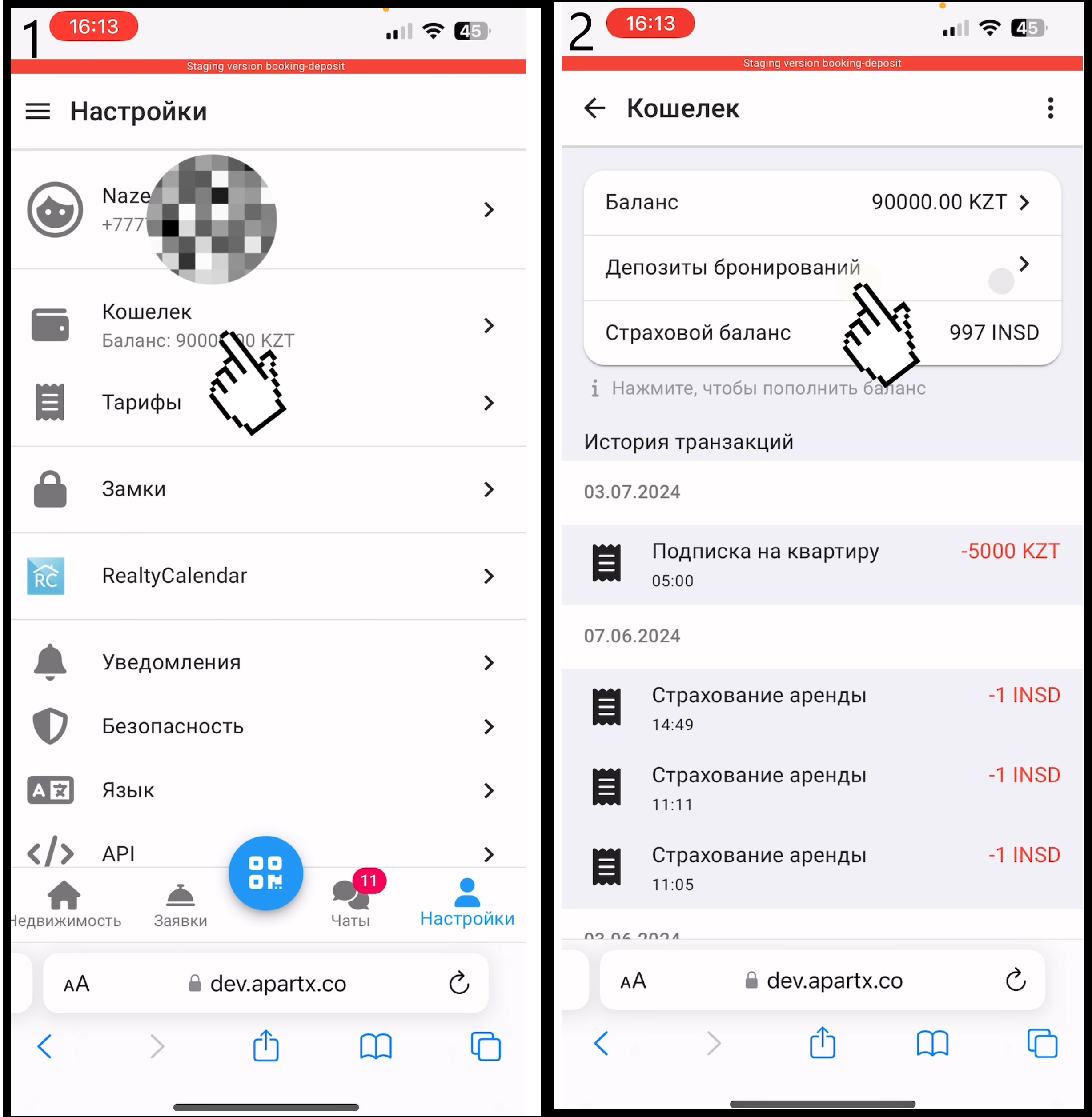
5. You can view your booking deposits by going to "Settings" . Then go to "Wallet" and click on "Booking Deposits" .