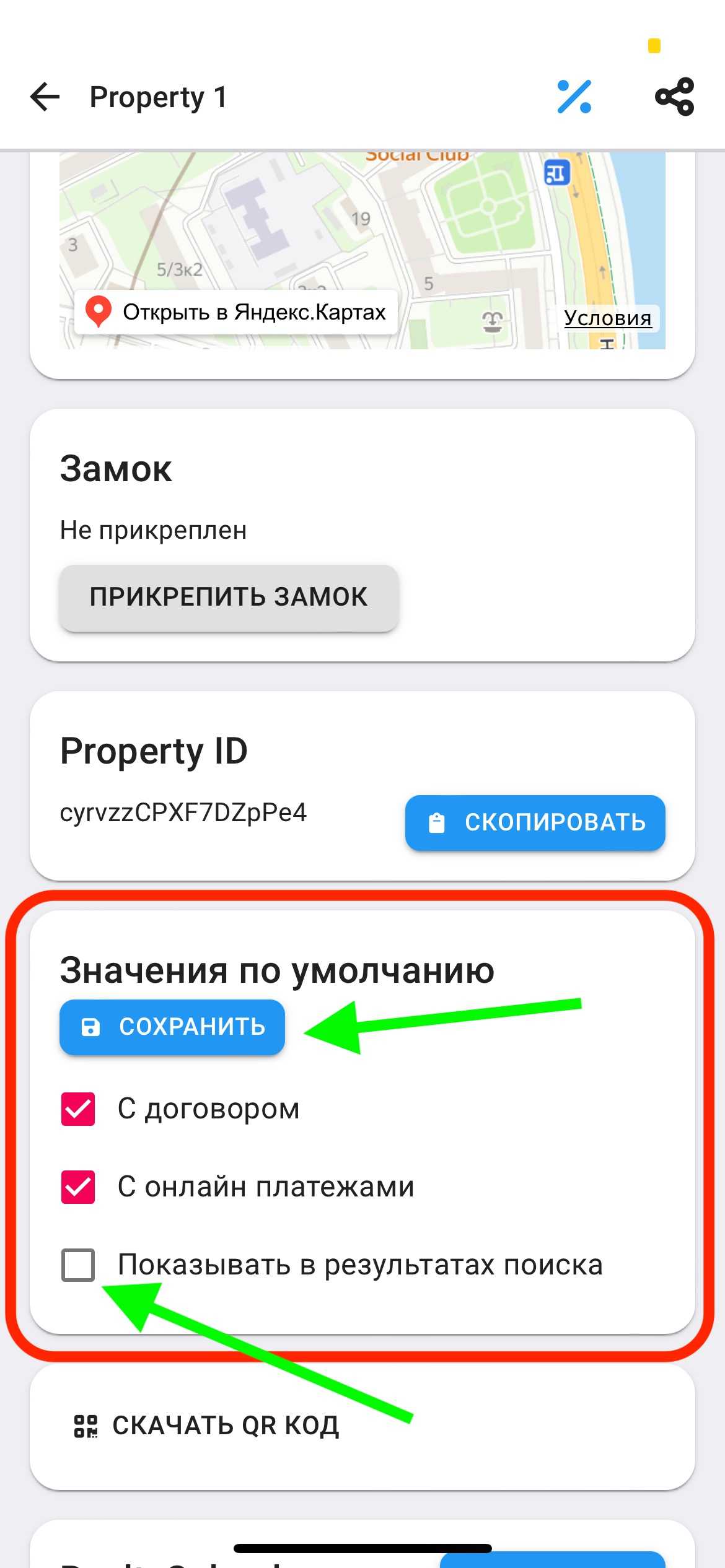
Show/hide apartment in search results
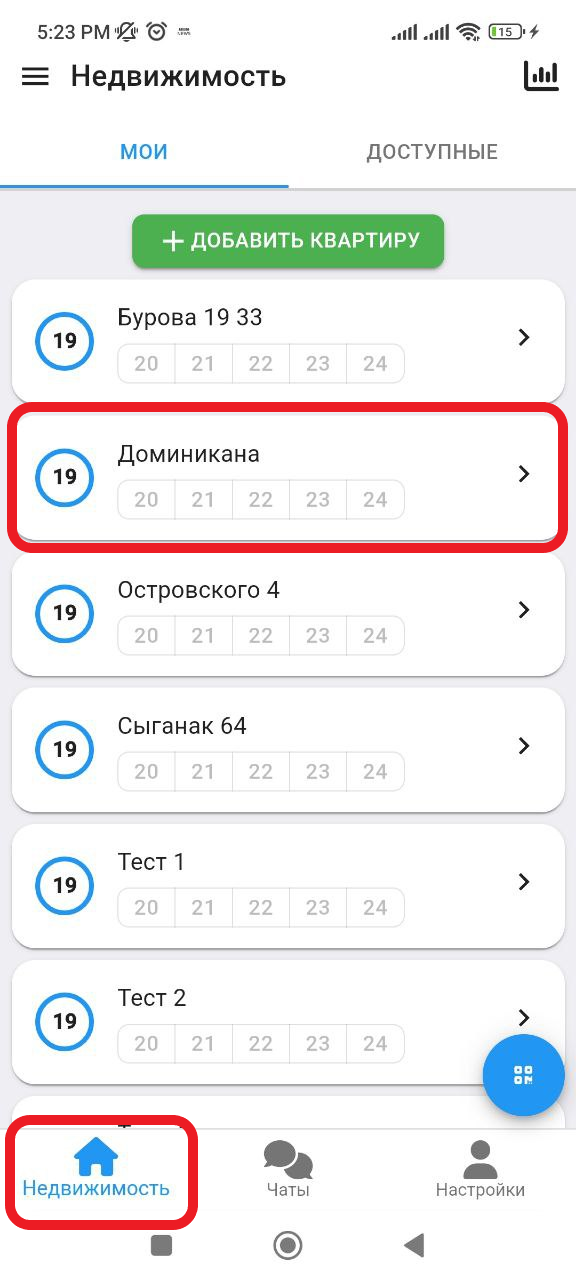
1. In the working window, click on the " Real Estate " button. Then select the real estate you want to add. (See example below)
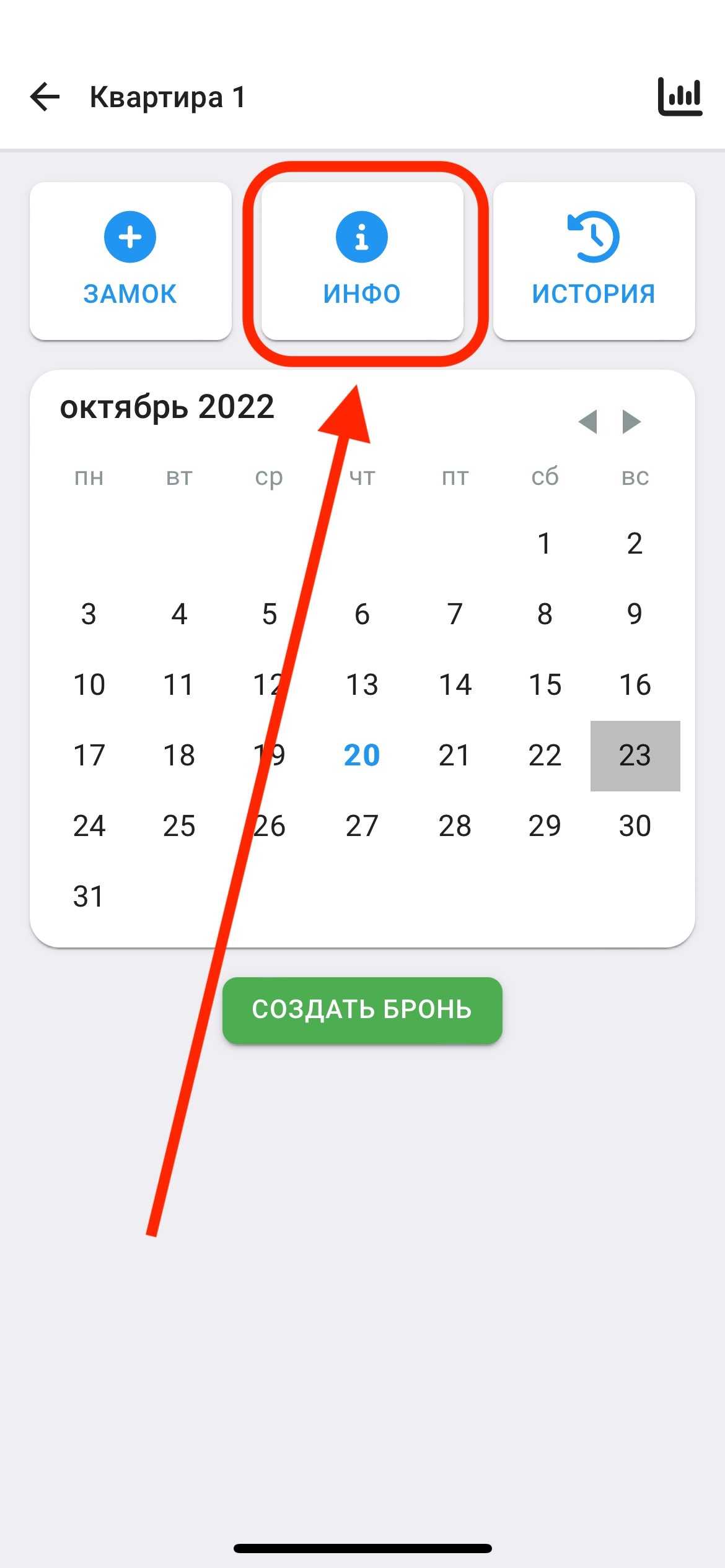
2. After you have added the castle, you will need to fill in the information about your property. Click on the “ INFO ” button. (See example below)
3. Scroll down to find the "Default Values" section.
In order for your apartment to be shown/not shown in the list of available apartments, fill in the appropriate lines in the "Show in search results" section.
* if there is a check mark , the apartment will be shown to tenants in the ApartX application
* if there is no check mark , the apartment will not be shown to tenants in the ApartX application
Afterwards, click on the "SAVE" button for your changes to take effect.