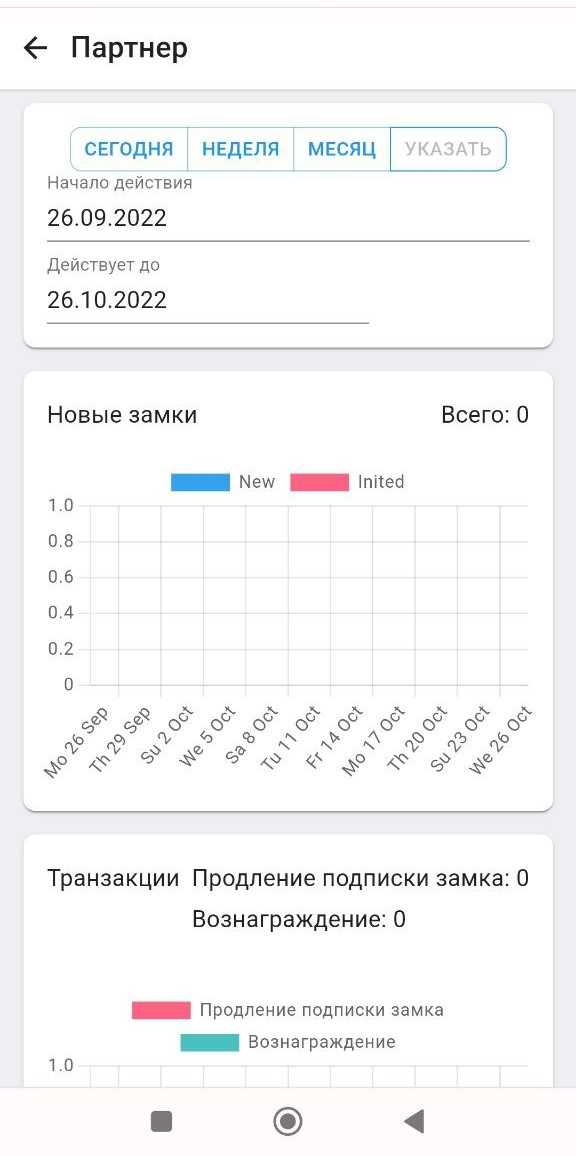
Partner's personal account
1. When you are added as an ApartX partner, in the " Settings " section you will see the " Partner " column 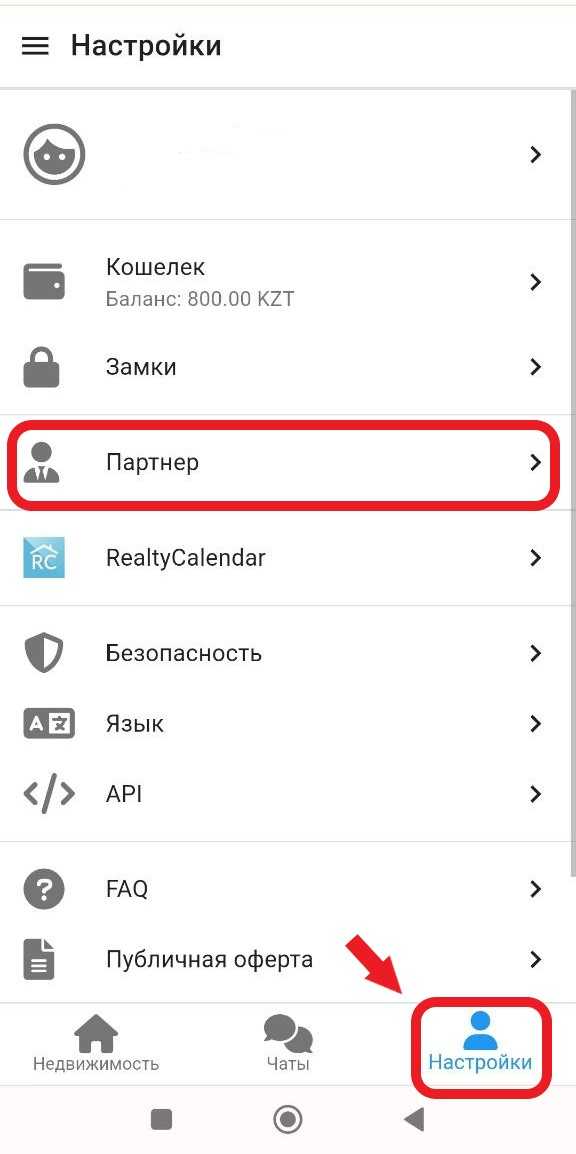
2. In your partner’s personal account, you will be able to view the availability of locks and the users to whom you have transferred the locks. 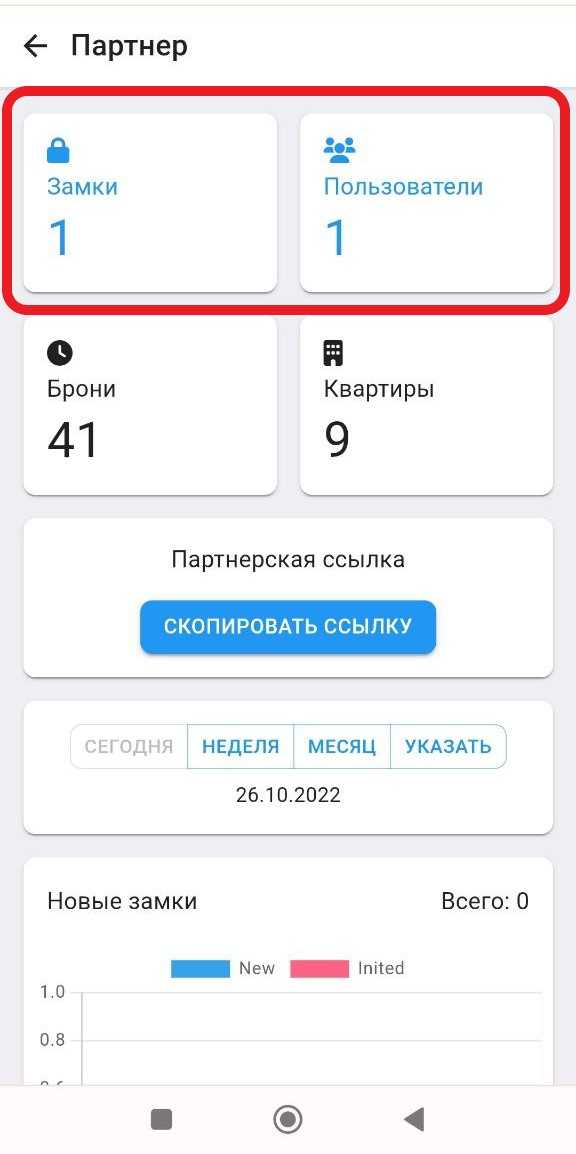
2.1 When you click on the " Castles " button, you will be able to see detailed information about the client who rents the castle, and in the upper corner you will be able to download the lease agreement for the castle and the acceptance certificate between you and your client. (When you click on the contact, you will fall into detailed information. See the example below) 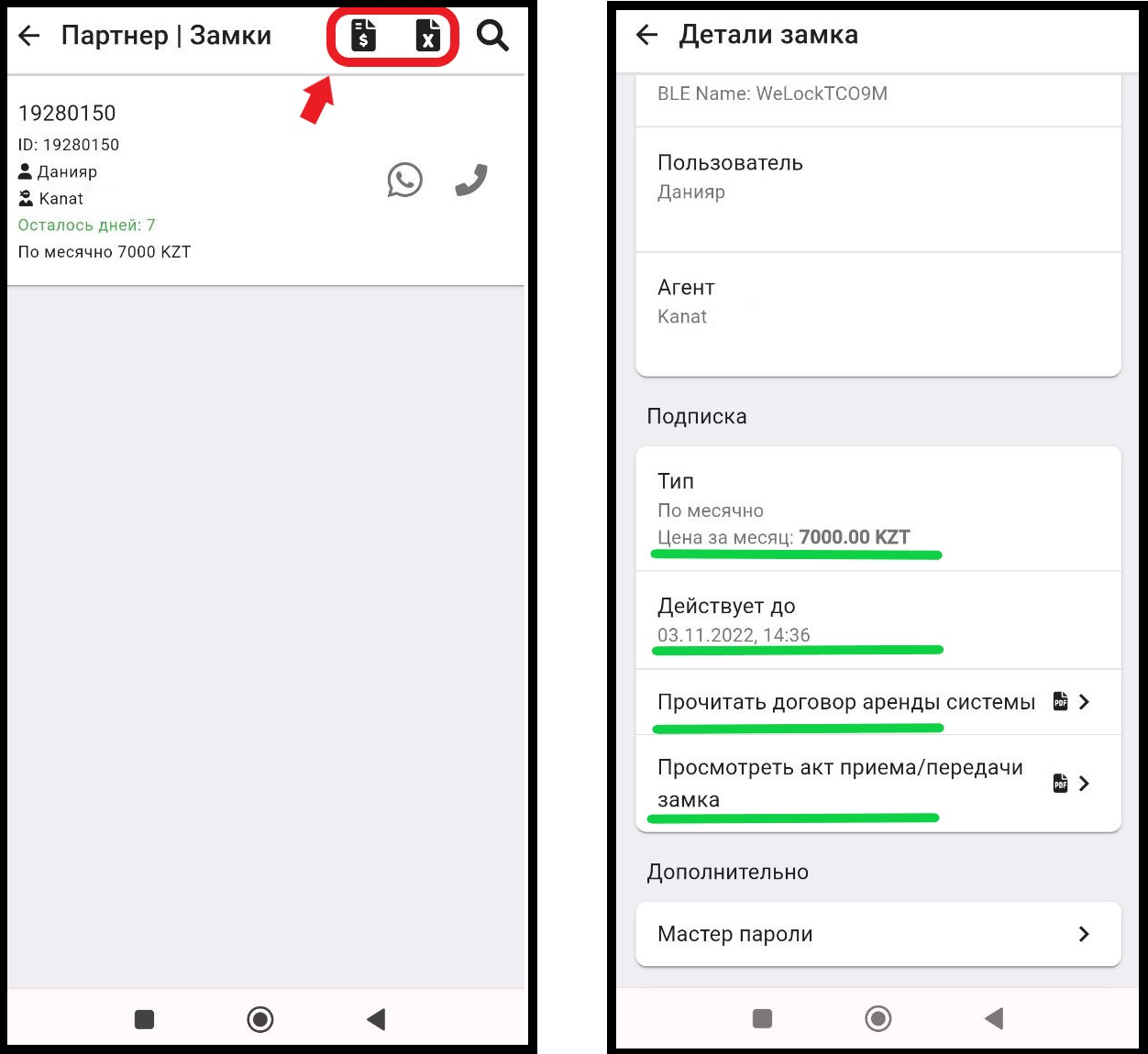
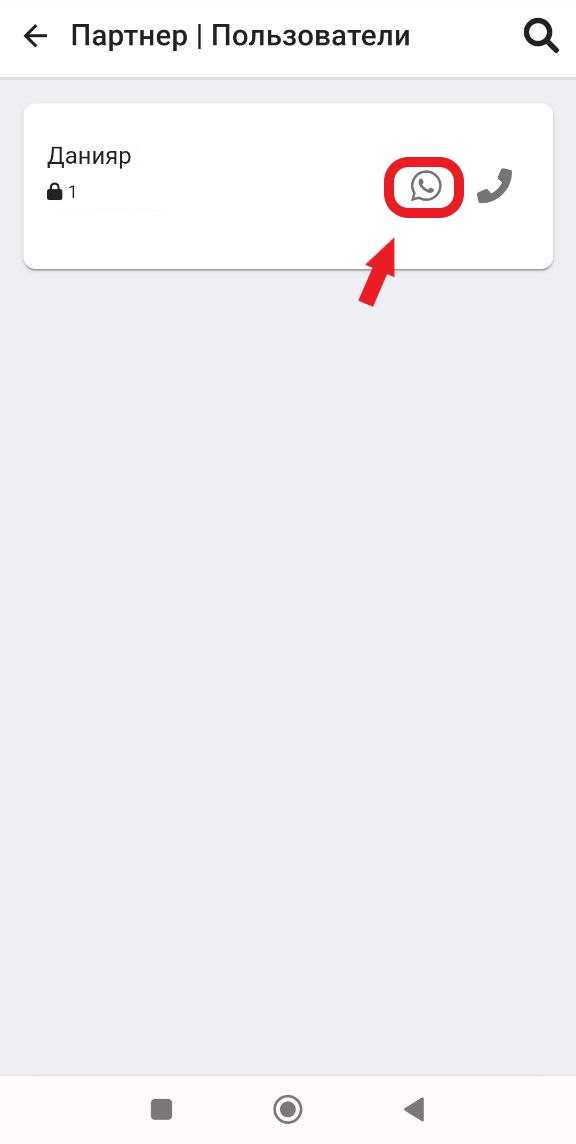
2.2 By clicking on the " Users " button, you will be able to send notifications to your clients about the debt for renting a lock. To send a notification, you need to click on the button twice.  ".
".
3. Also in this section you can view statistics on locks and transactions ( subscription renewal and reward ), applying a filter by dates ( today/week/month/specify )