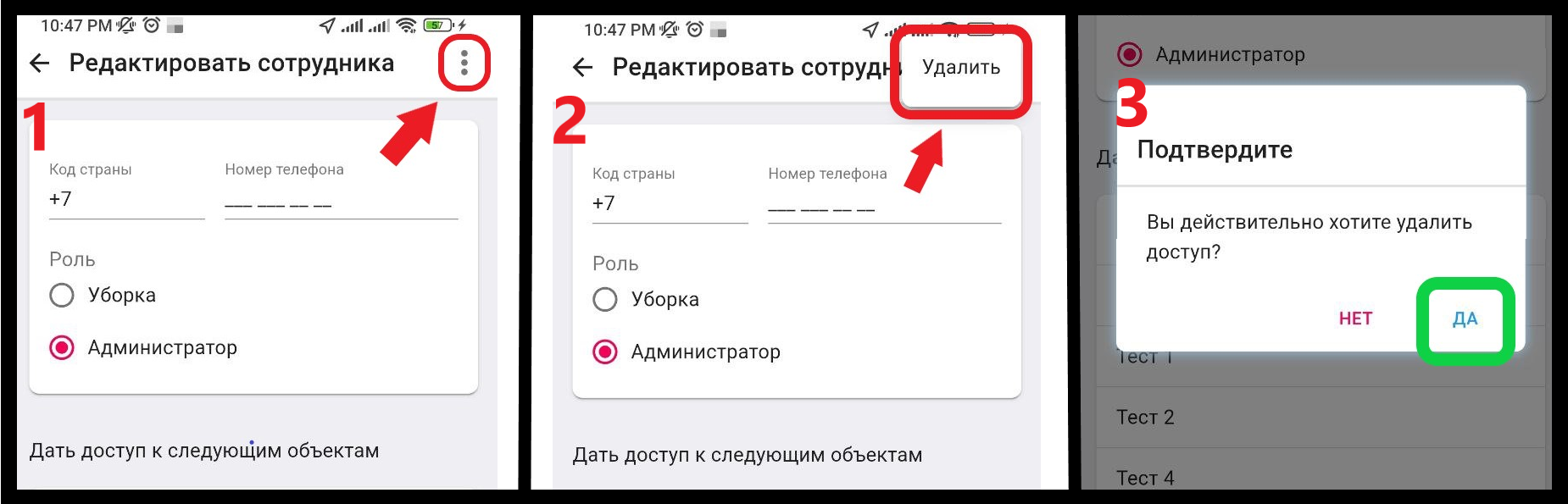
Removing an employee
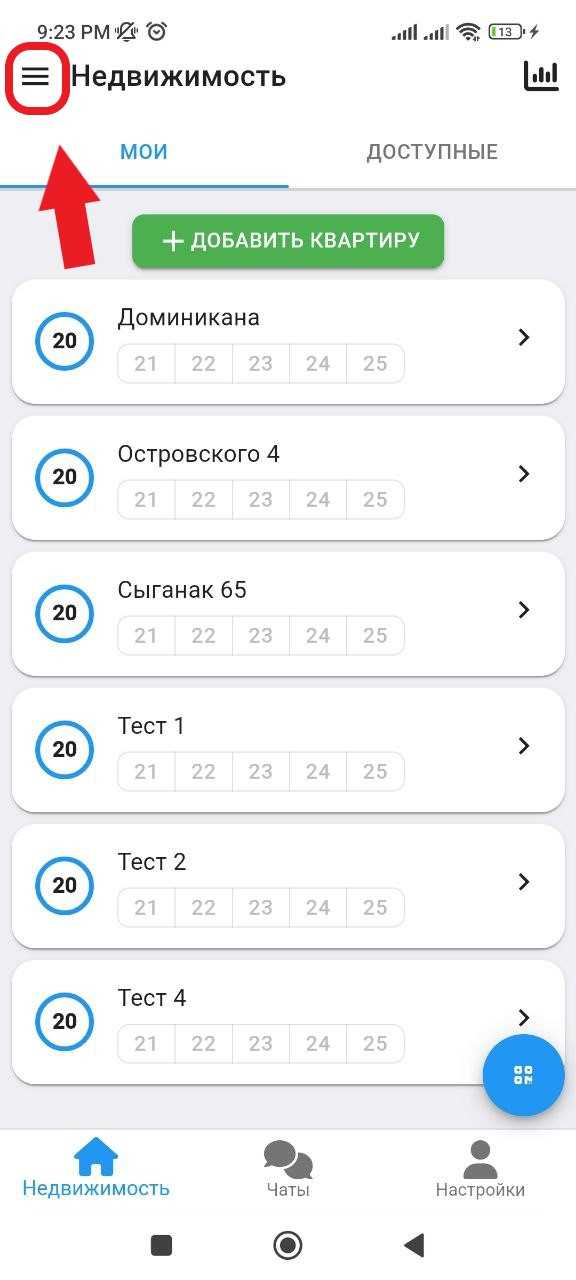
1. In the working window, in the upper right corner, click on the button "  ". (see example below)
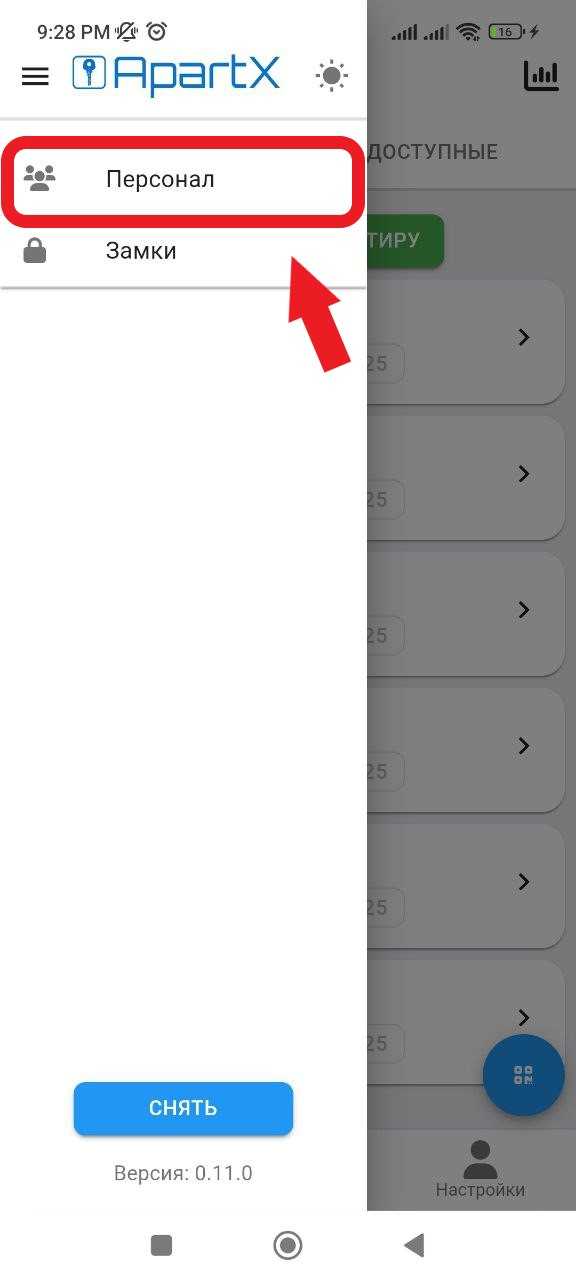
2. In the side menu that opens, select the " Personnel " section. (See example below)
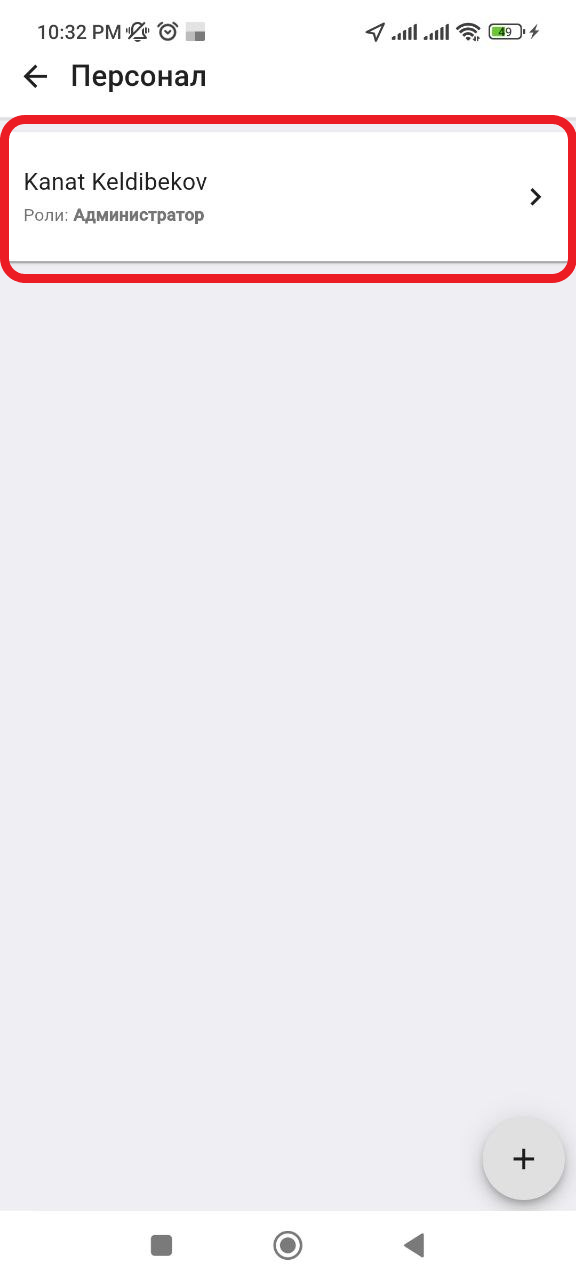
3. Next, in the window that opens, click on the employee you want to remove from the staff. (See example below)
4. Next, in the new window, in the upper right corner, click on the " ⁝ " button. After clicking, the " Delete " button will appear, which you will need to click. Next, we confirm the deletion of the employee. Deletion is complete. (see example below)