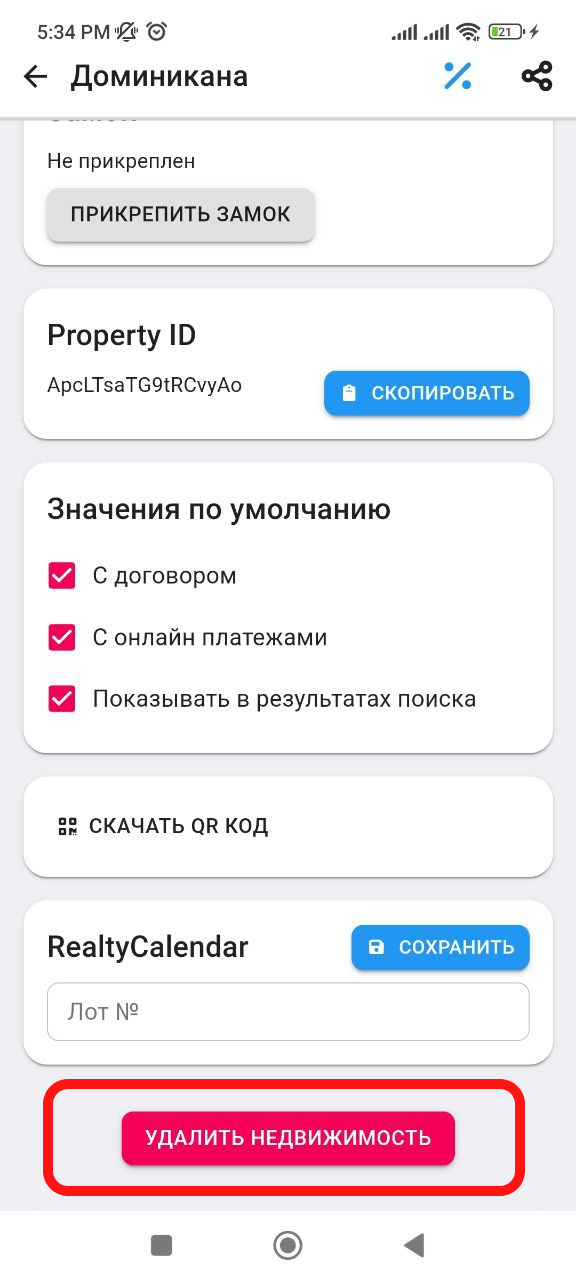
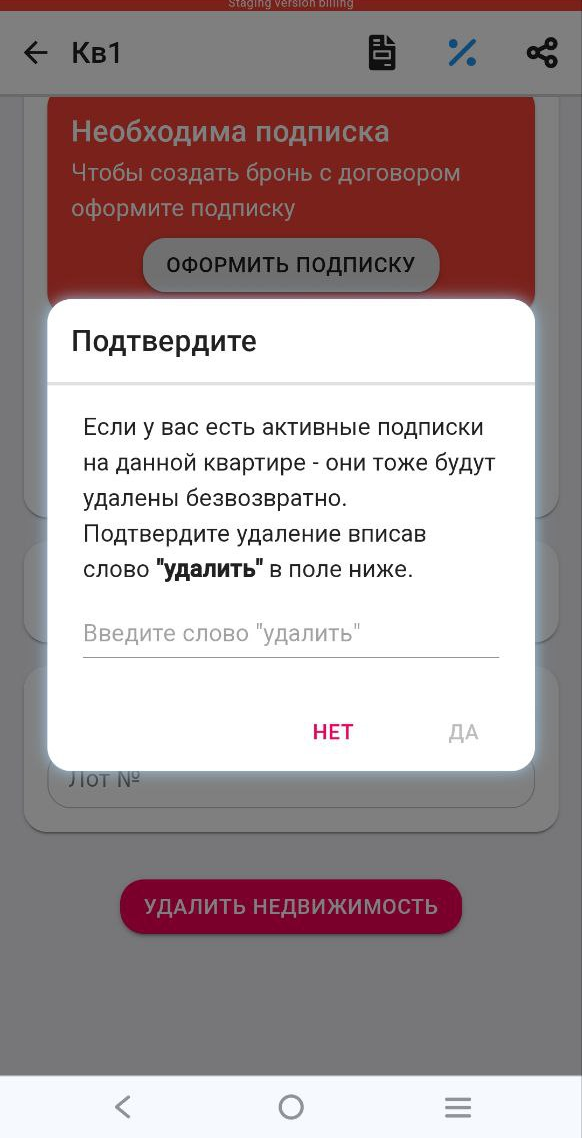
How to delete a property
1. In the working window, click on the " Real Estate " button. Then select the real estate that you want to delete. (See example below) 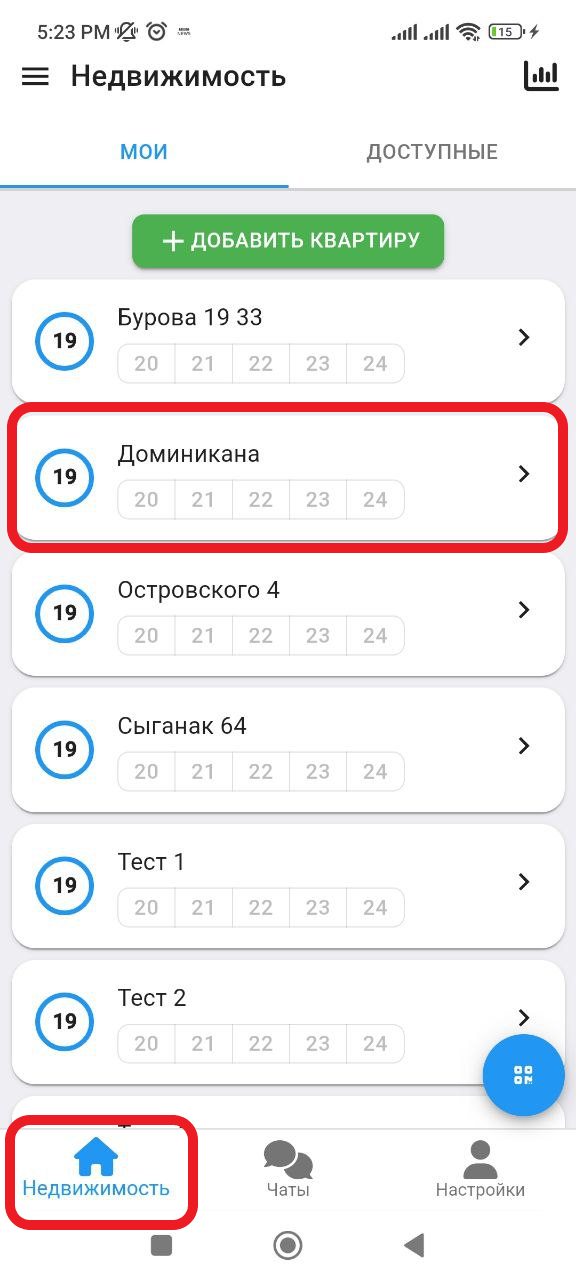
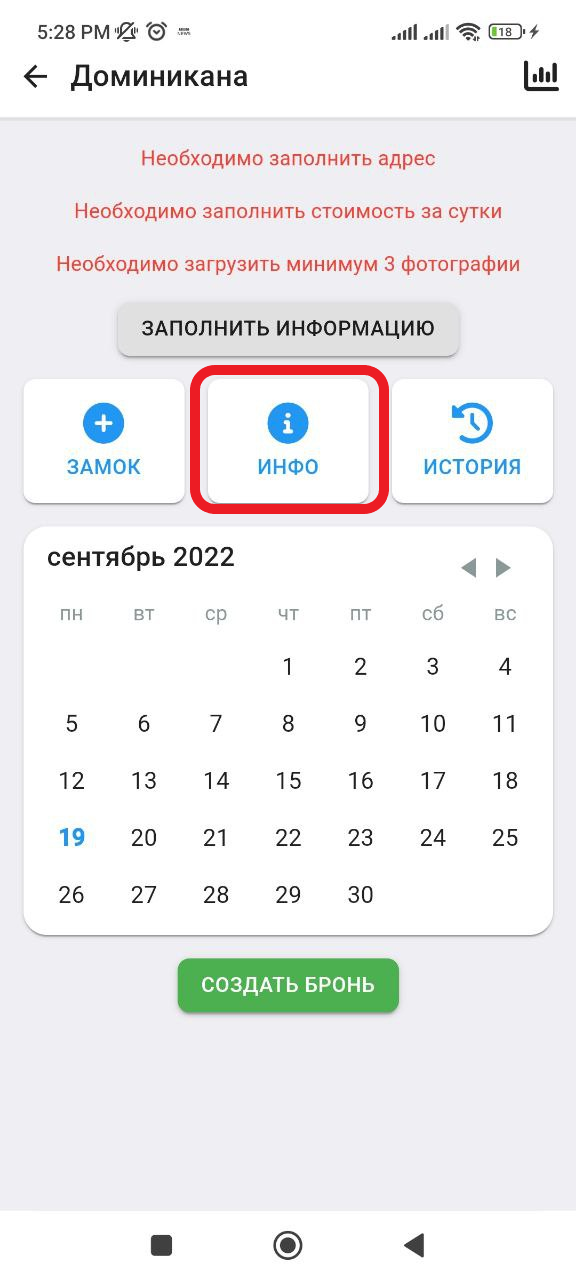
2. Next we get to the working window with real estate. Click the button " INFO ". (see example below)
3. Next you will get to the window with the settings about the property. At the very end of the page, you will need to click on the button " Delete property ". After that, a pop-up window will appear where you will need to enter the confirmation word " delete ", since the subscriptions "Start" and "PRO" are linked to the apartment, then when deleting the apartment, the subscription will also be deleted irrevocably . (see example below)