
Telegram setup
1. Create a bot
1.1. Open @BotFather in Telegram and click Старт .
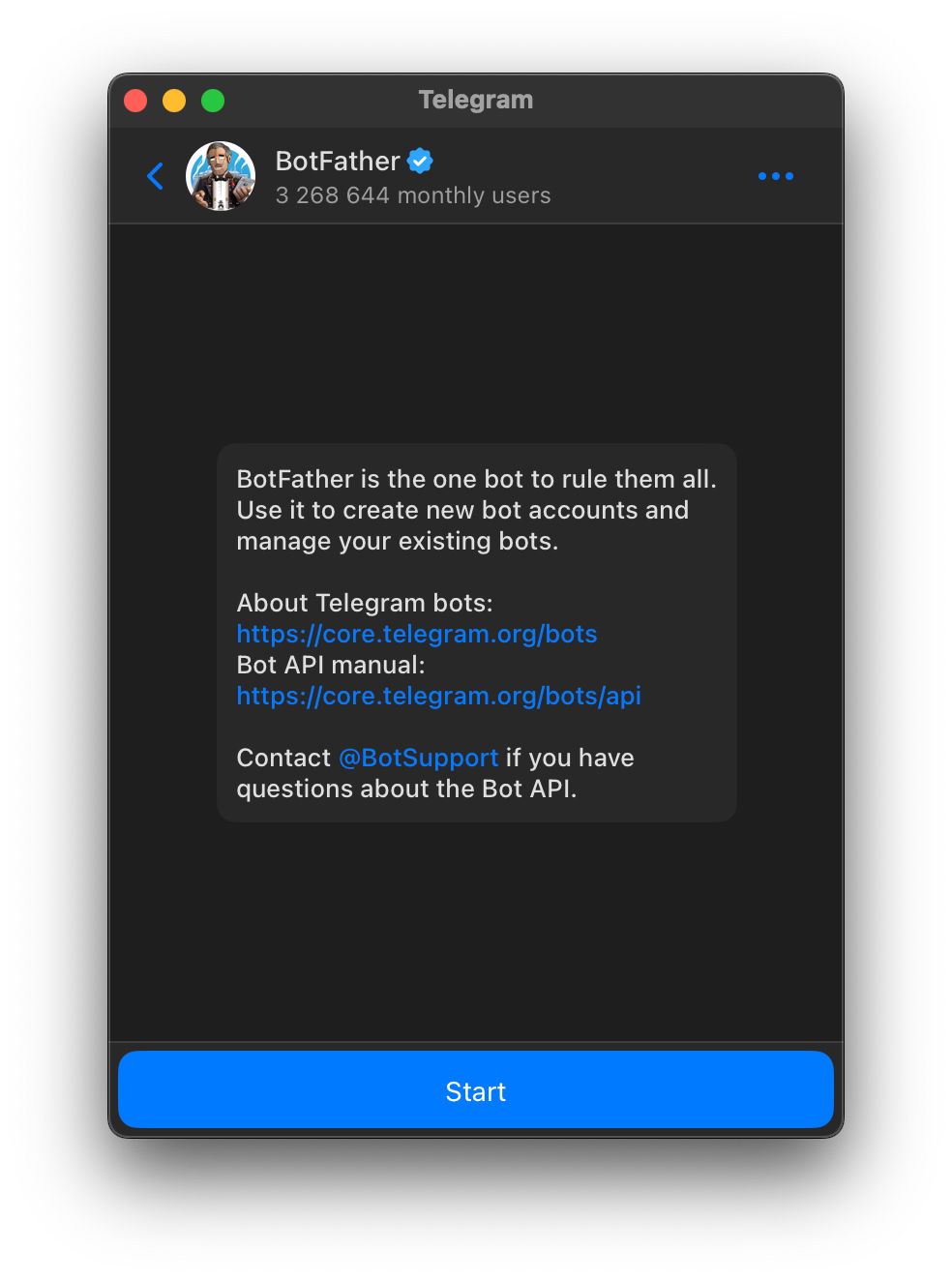 Image 1.
BotFather home page.
1.2. Enter the command /newbot or select the command from the menu.
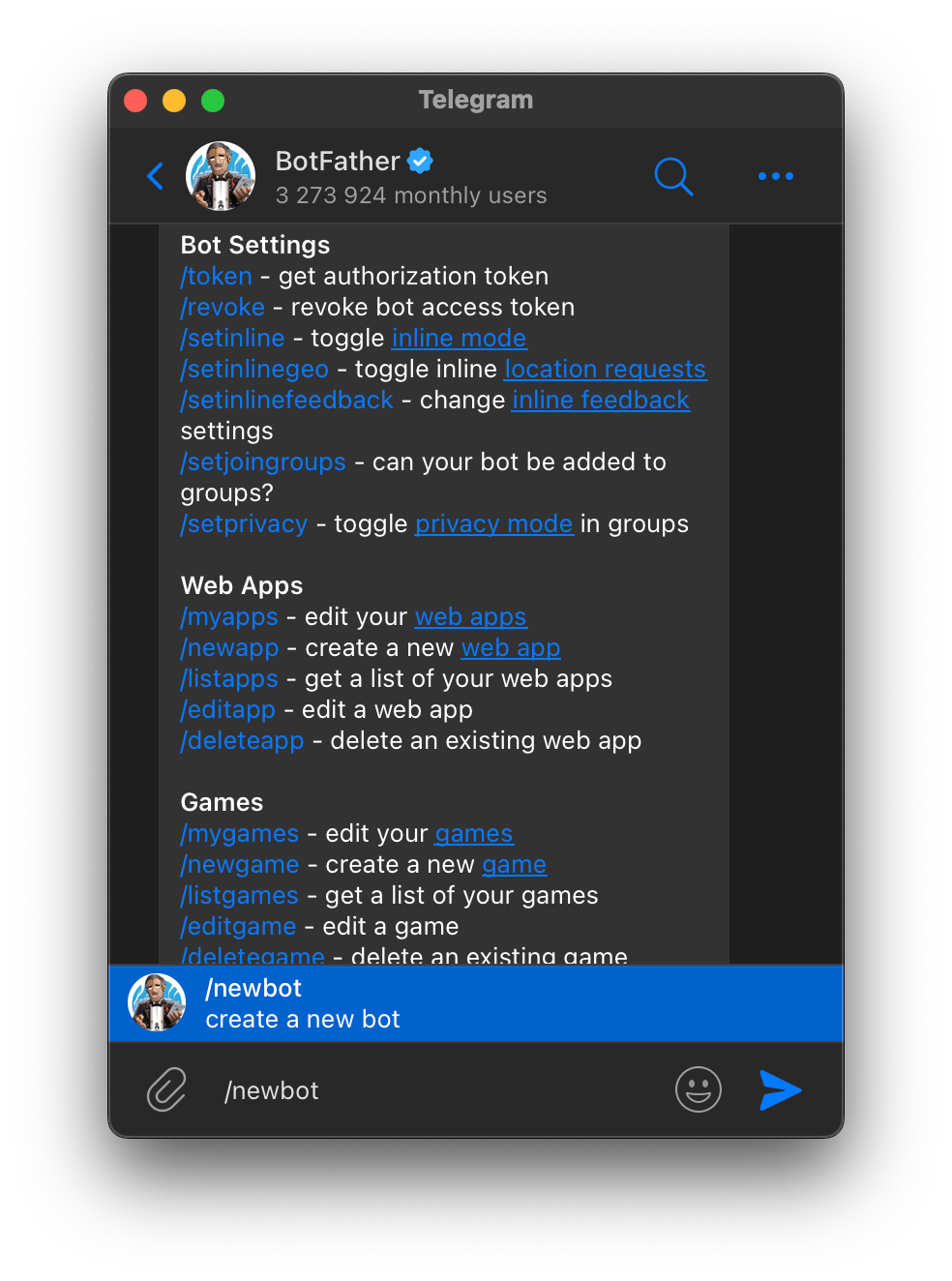 Image 2.
The command to create a new bot is /newbot.
1.3. Enter the bot's display name (it can be in Russian, spaces are allowed).
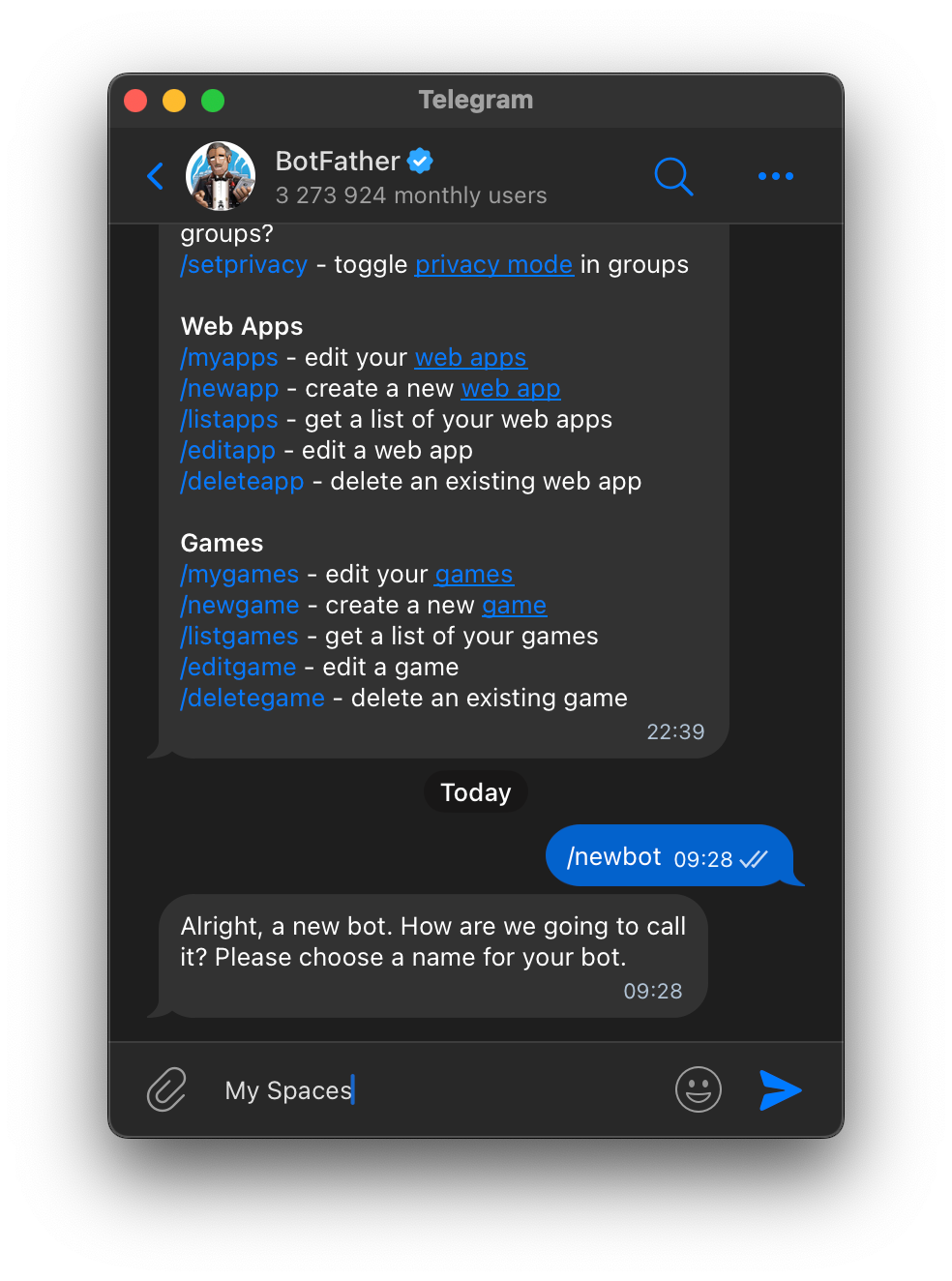 Image 3.
Enter the display name of the bot.
1.4. Enter the bot's username : Latin, numbers, underscores, must end in bot (example: apartx_helper_bot , ApartXHelperBot ).
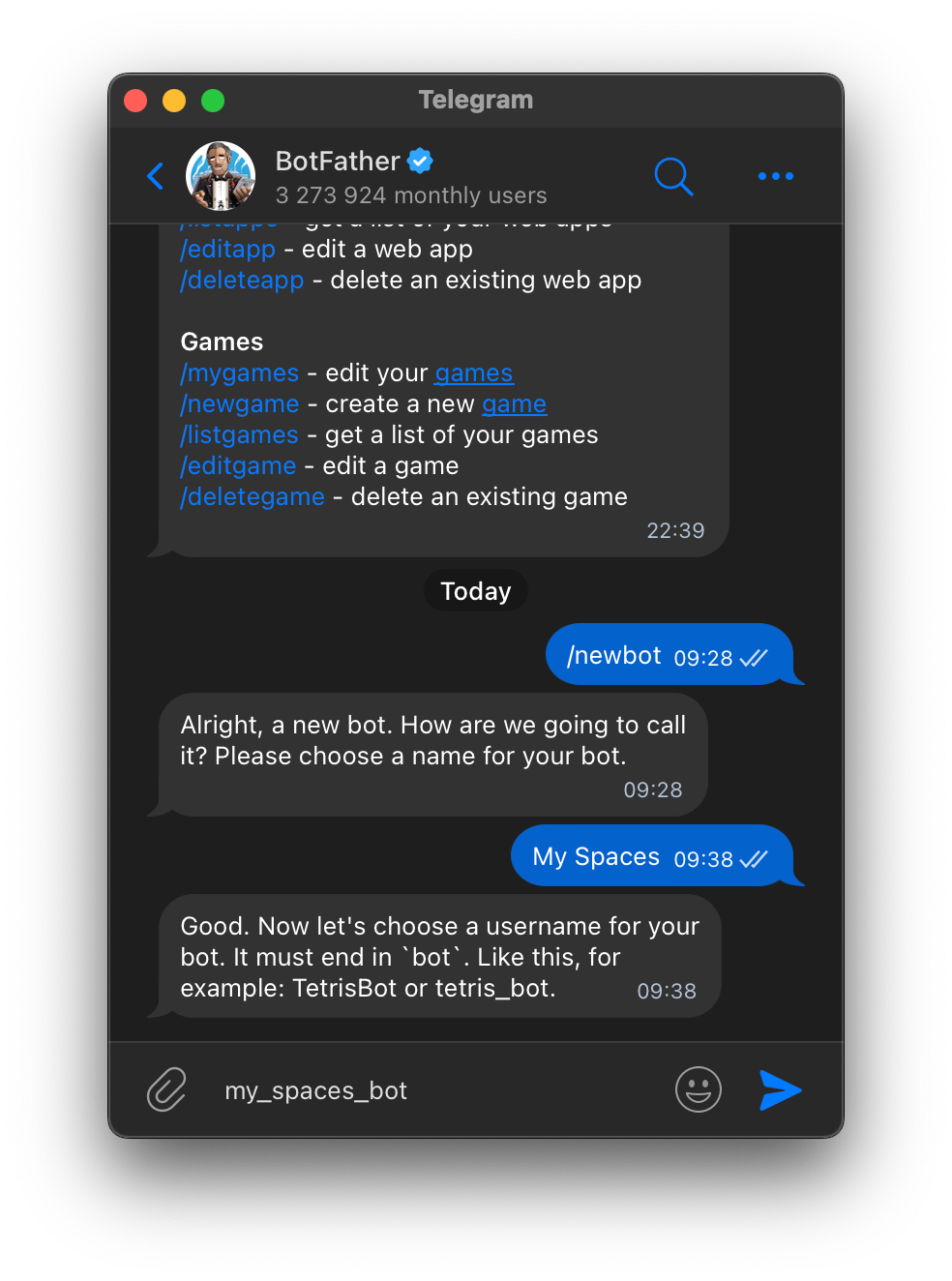 Image 4.
Enter the bot's username.
1.5. @BotFather will send a message with HTTP API Token like 123456789:AA... .
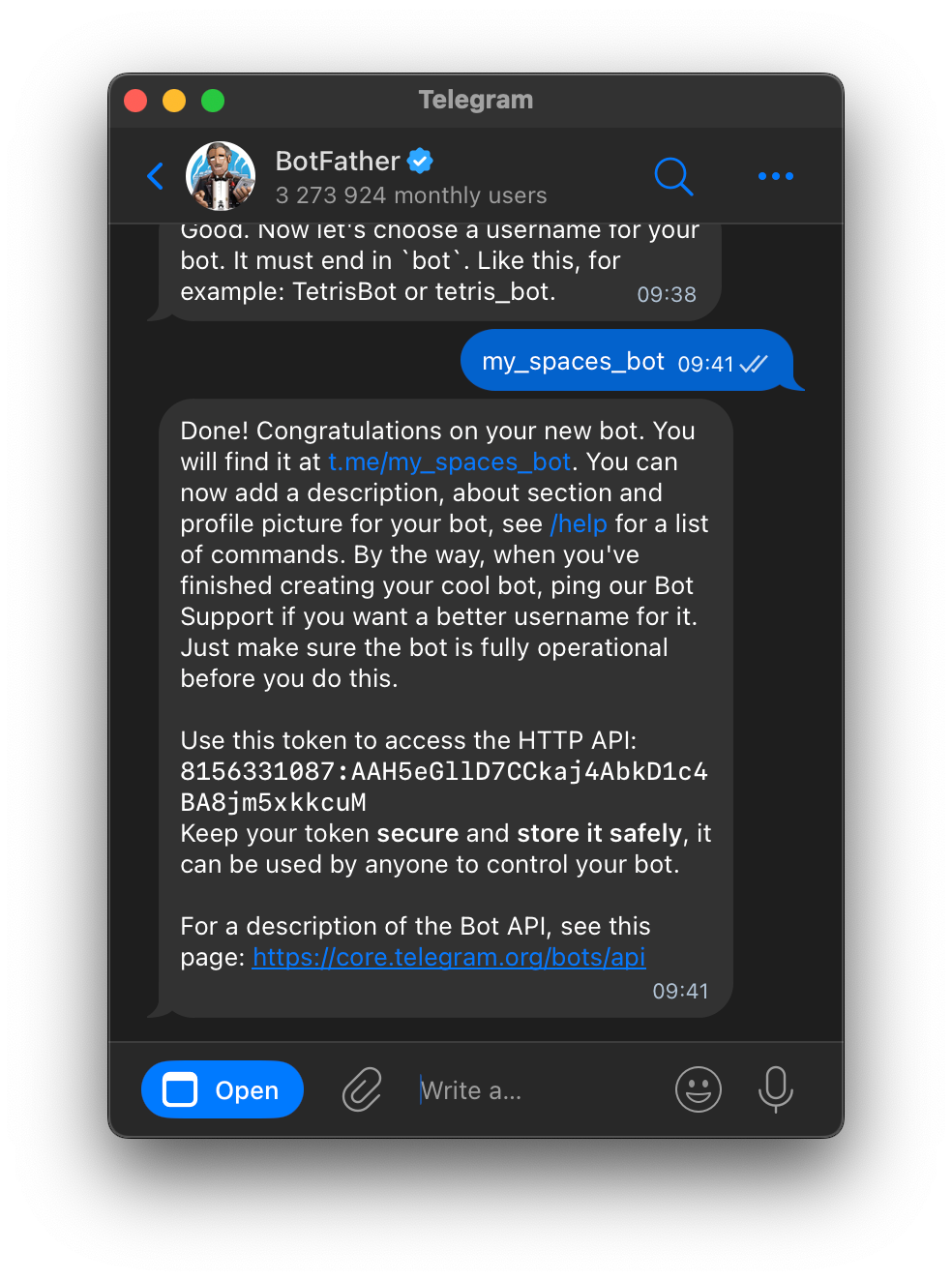 Image 5.
Received a token to control the bot.
1.6. Enter it in the "Token" field in the Telegram settings in ApartX, Settings -> OmniChannel -> Telegram , put the value in the "Token" field and click the "Save" button.
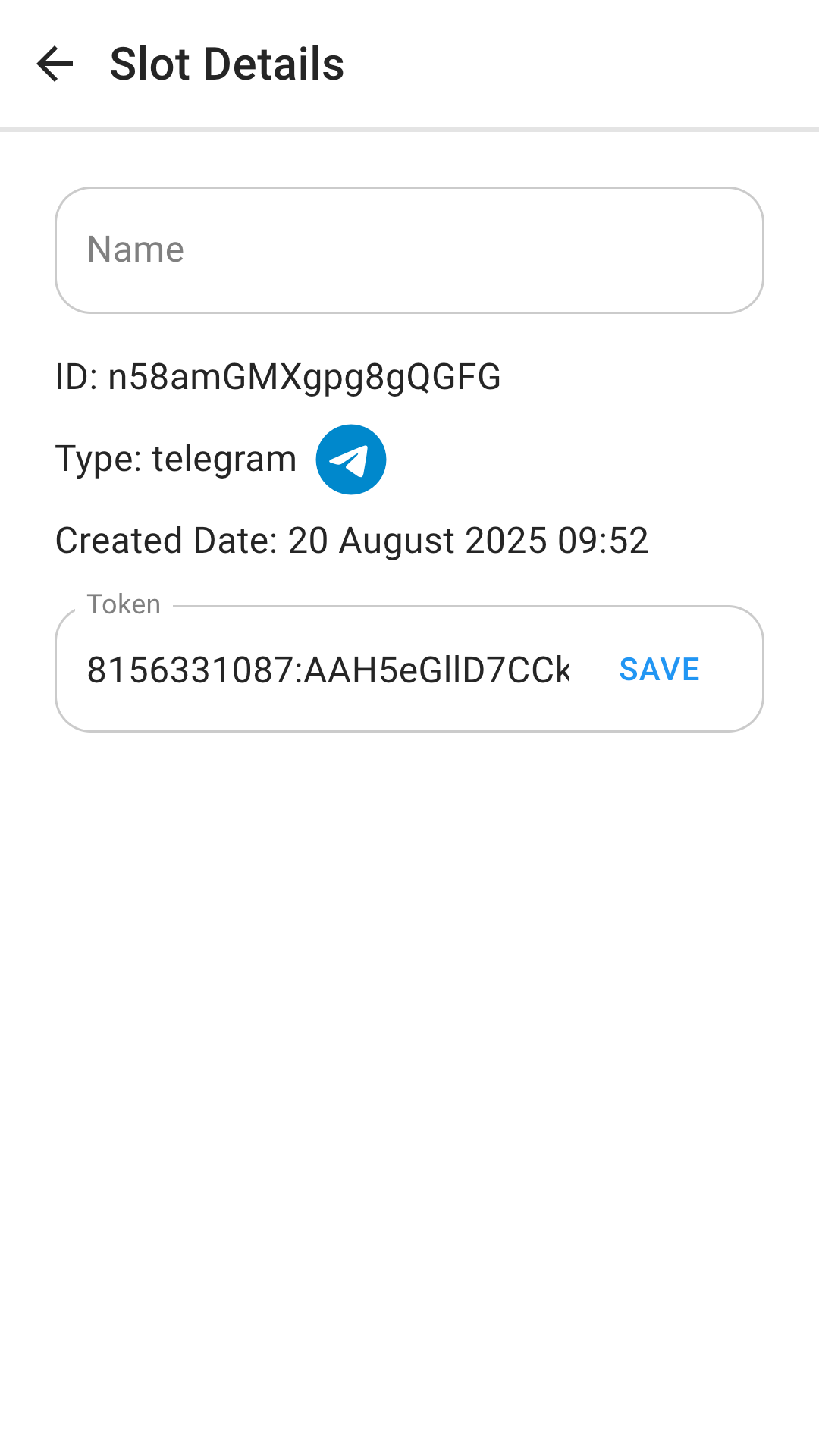
Image 6.
Save bot token in ApartX
2. Setting up MiniApp.
2.1. Copy the link to the MiniApp "ApartX Spaces Link".
2.2. Open the bot settings. You need to enter the command /mybots in BotFather and select your bot from the list.
2.3. Next, click Bot Settings -> Configure MiniApp -> Enable Mini App .
2.4. Send the link to the ApartX Spaces bot that you copied from the slot settings in ApartX.
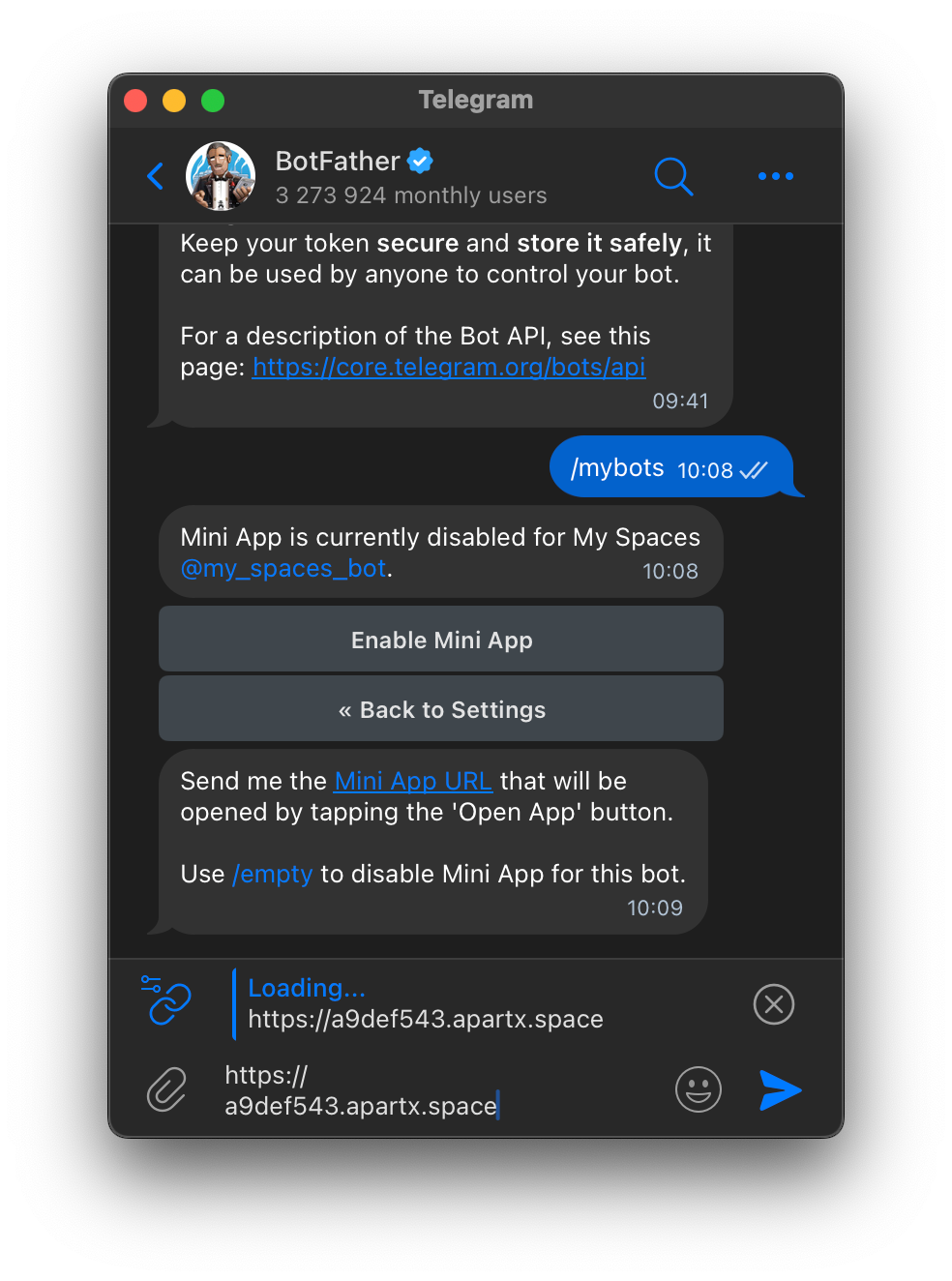 Image 7.
Send BotFather a link to ApartX Spaces to enable MiniApp.
Conclusion
You have created your bot and configured a MiniApp for it.
The list of properties that will be displayed in the bot search can be configured in the slot settings: All , Mine and Referral.