Attaching a lock to a property
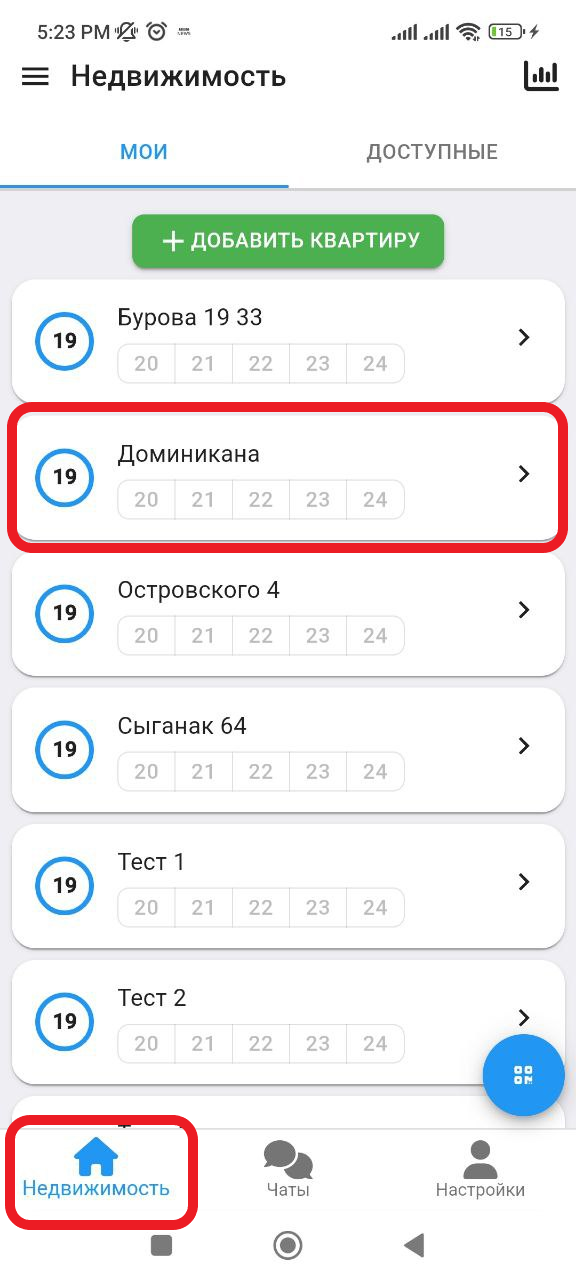
1. In the working window, click on the " Real Estate " button. Then select the real estate you want to add. (See example below)
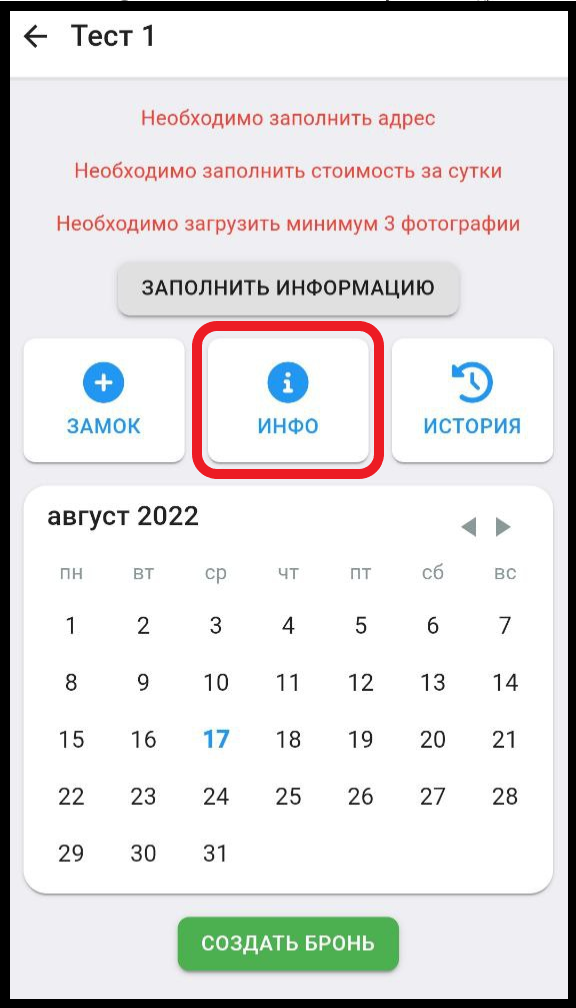
2. To add a lock, click the “ INFO ” button (see example below)
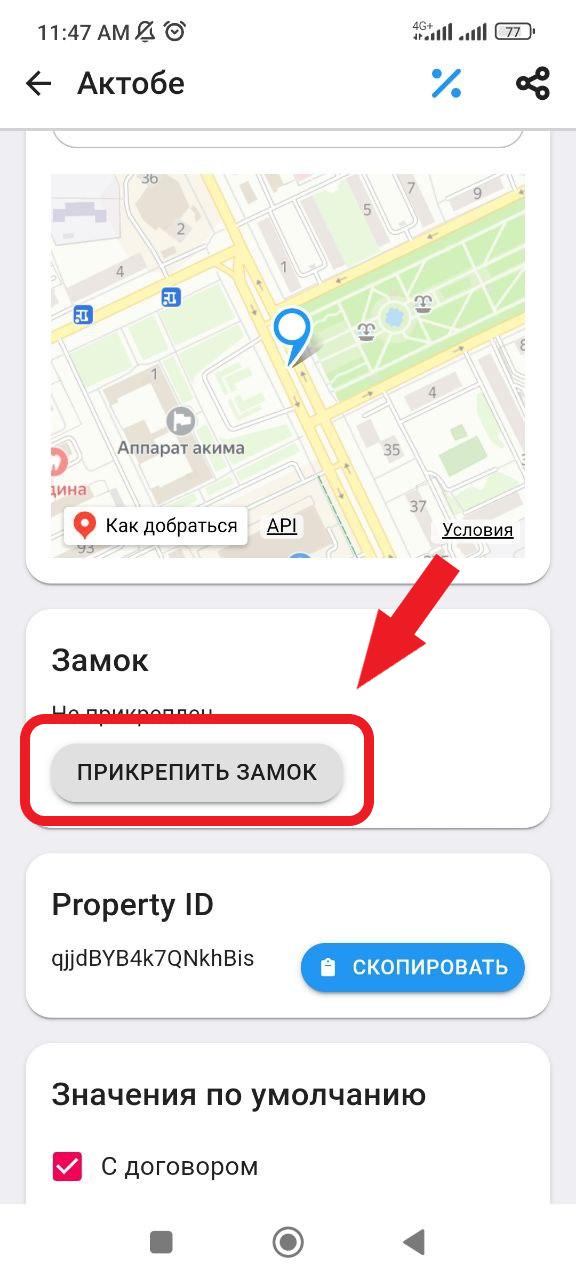
3. Next, in the Lock section, click on the " Attach Lock" button. (See example below)
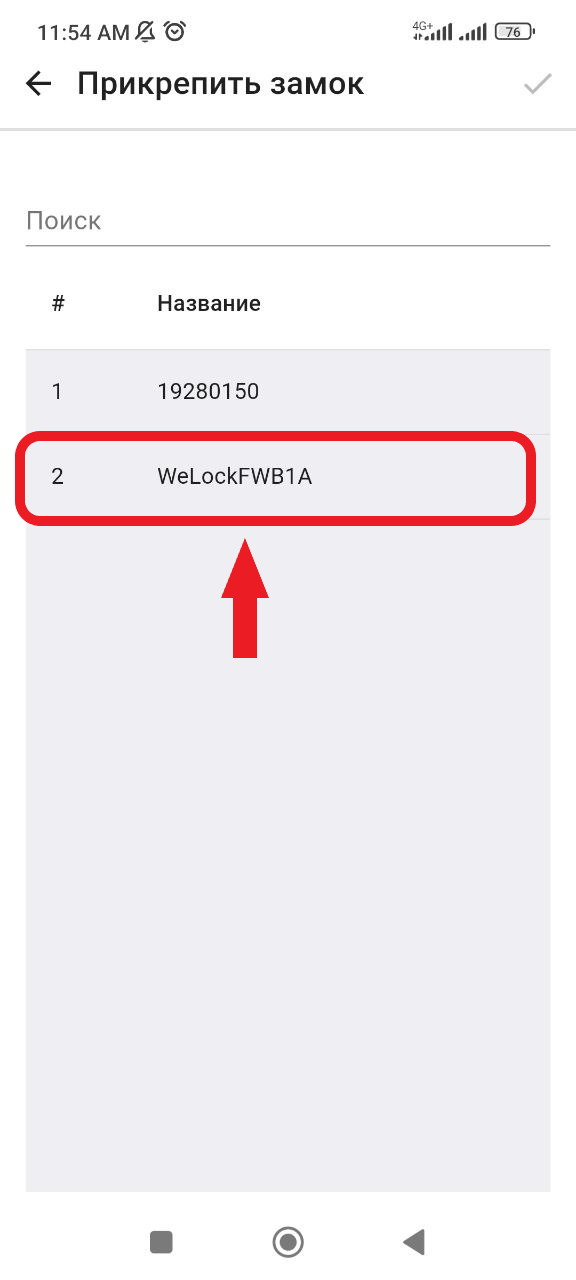
4. After that you will go to the window where you will need to select a lock, then click on the check mark in the upper corner of the window. (see example below)