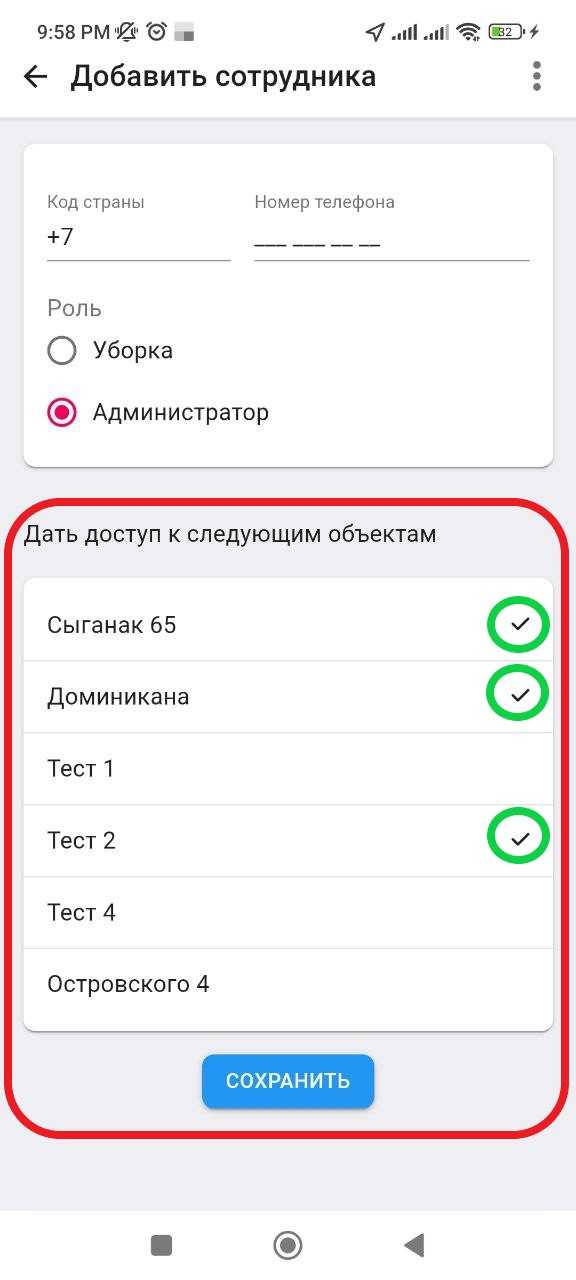
Adding staff: Administrator
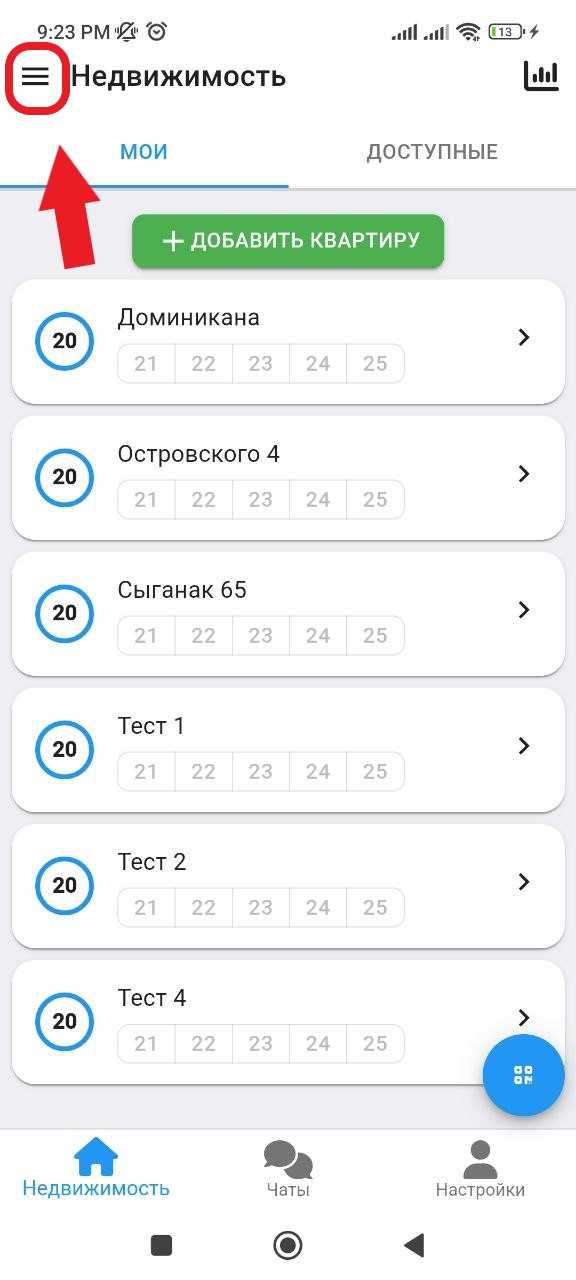
1. In the working window, in the upper right corner, click on the button "  ". (see example below)
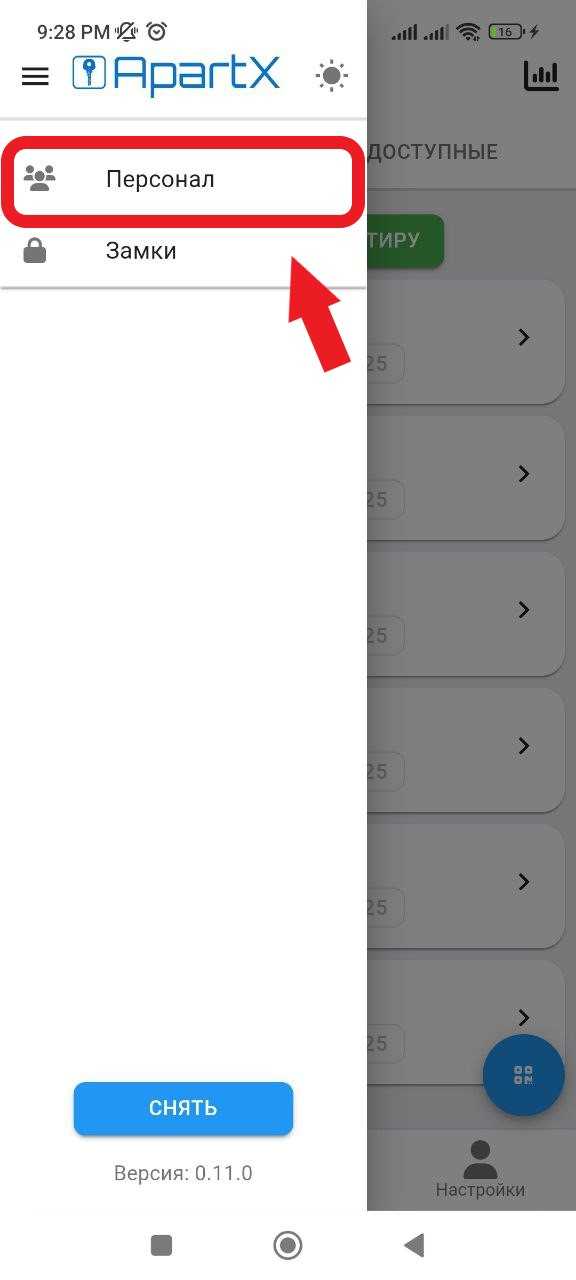
2. In the side menu that opens, select the " Personnel " section. (See example below)
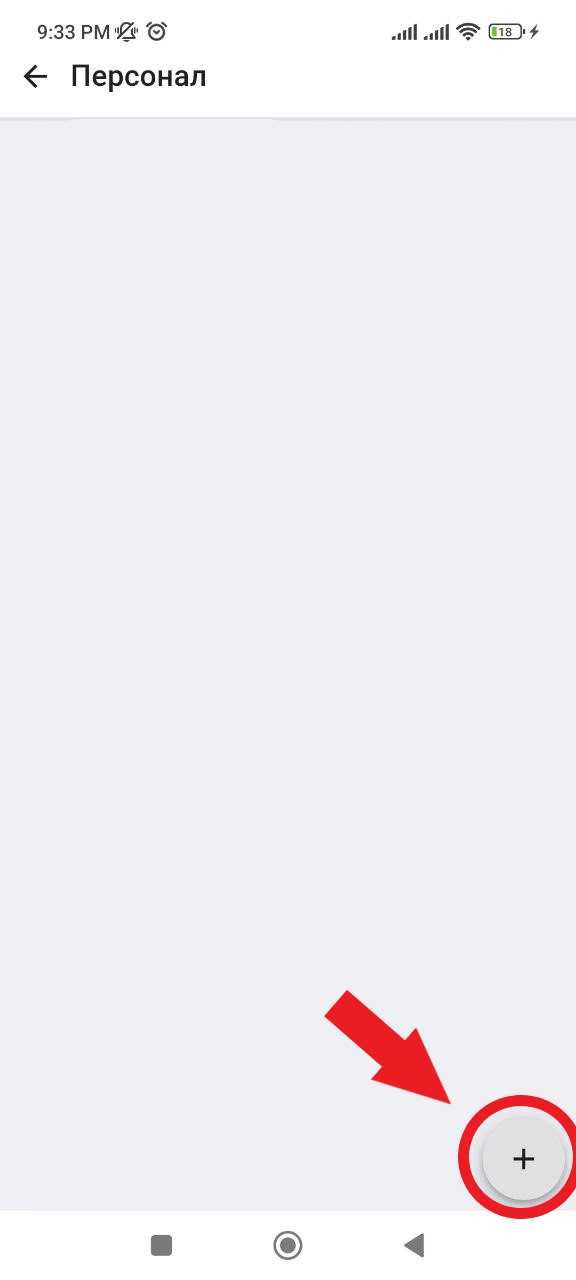
3. In the window that opens, in the lower right corner, click on the " + " button. (See example below)
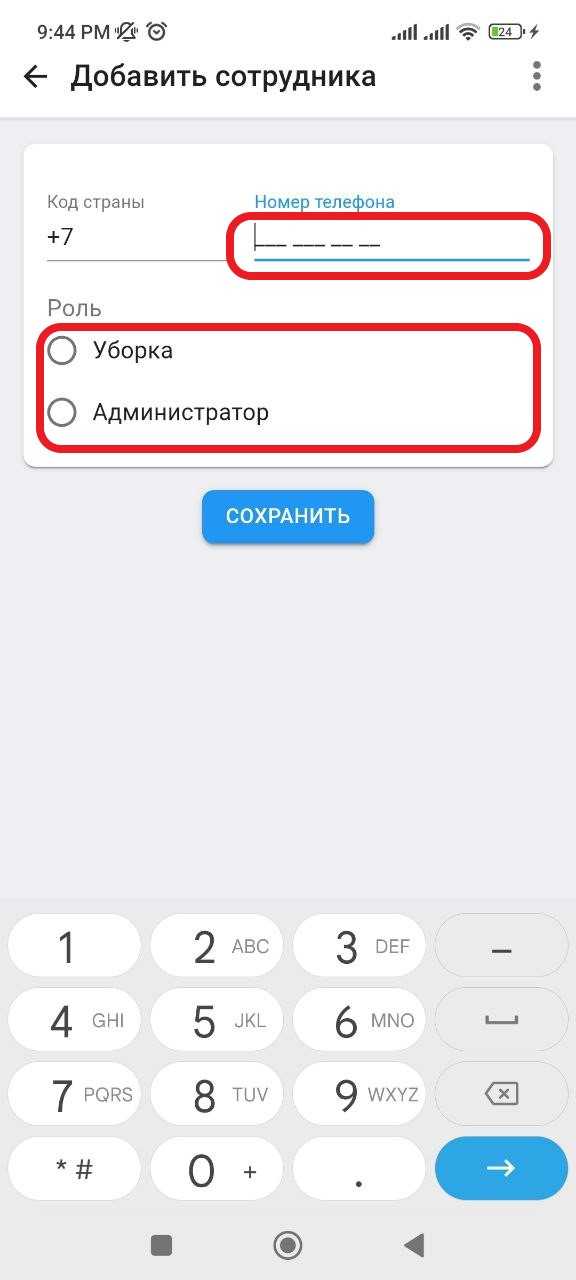
4. In the window that opens, you need to enter the person's phone number. Next, you will need to select the " Administrator " role for this employee by clicking on the Administrator inscription. (To add an employee to the staff, this person must be registered in the ApartX system in advance, see registration https://help.apartx.co/ru-RU/support/solutions/articles/150000007688-продача-по-телофону ).
4.1 After you set the Administrator role, a list with your real estate will open, select the real estate for which you want to open access. Then click the " Save " button. Adding an employee is complete. (See example below)