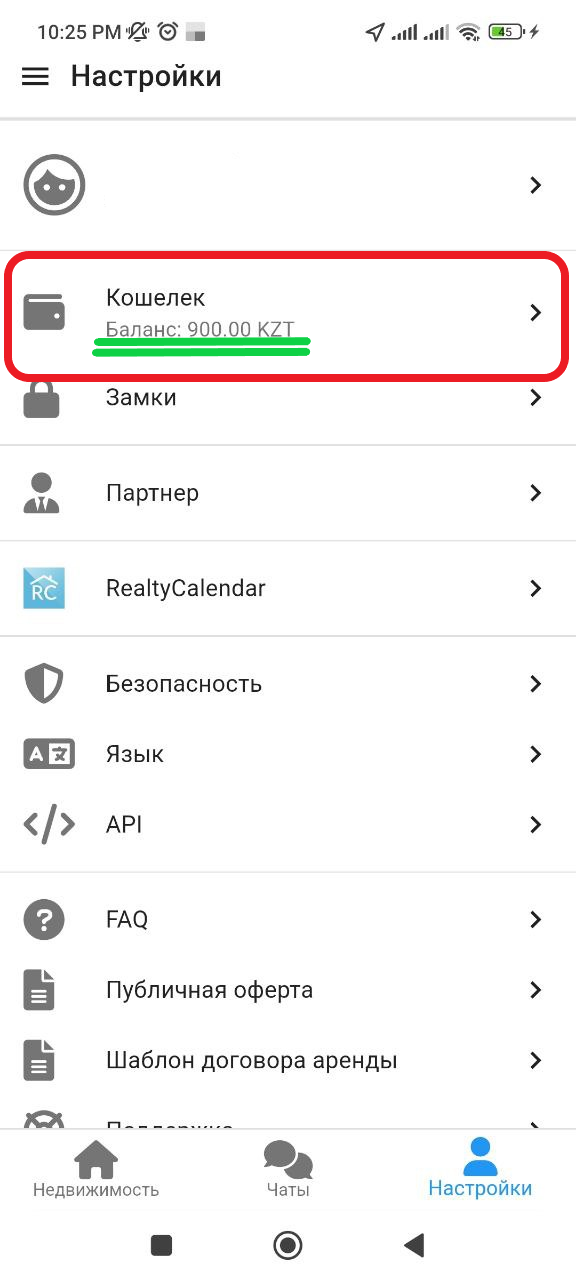
Top up your wallet
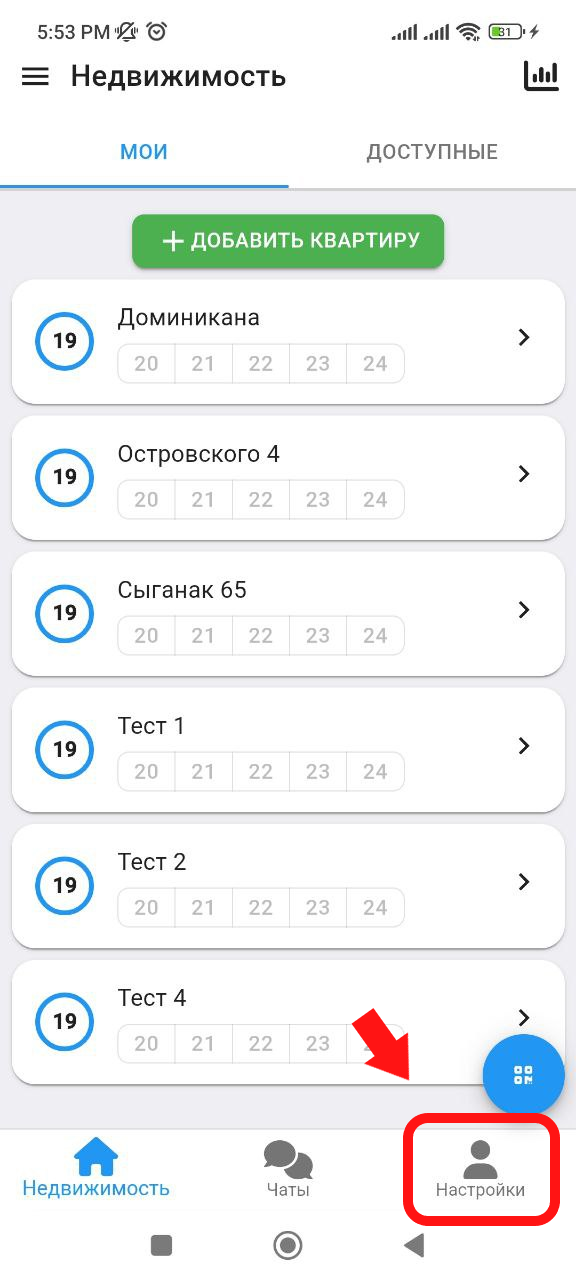
1. In the main window, click on the " Settings " button, which is located in the lower right corner. (see example below)
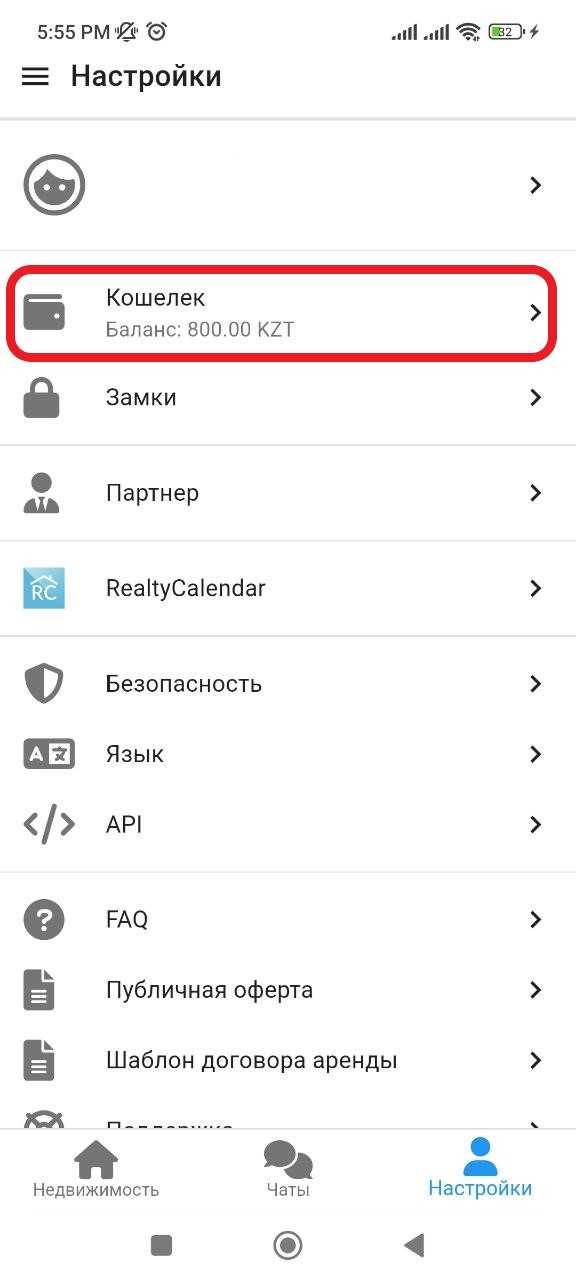
2. In the window that appears, click on the " Wallet " button. (See example below)
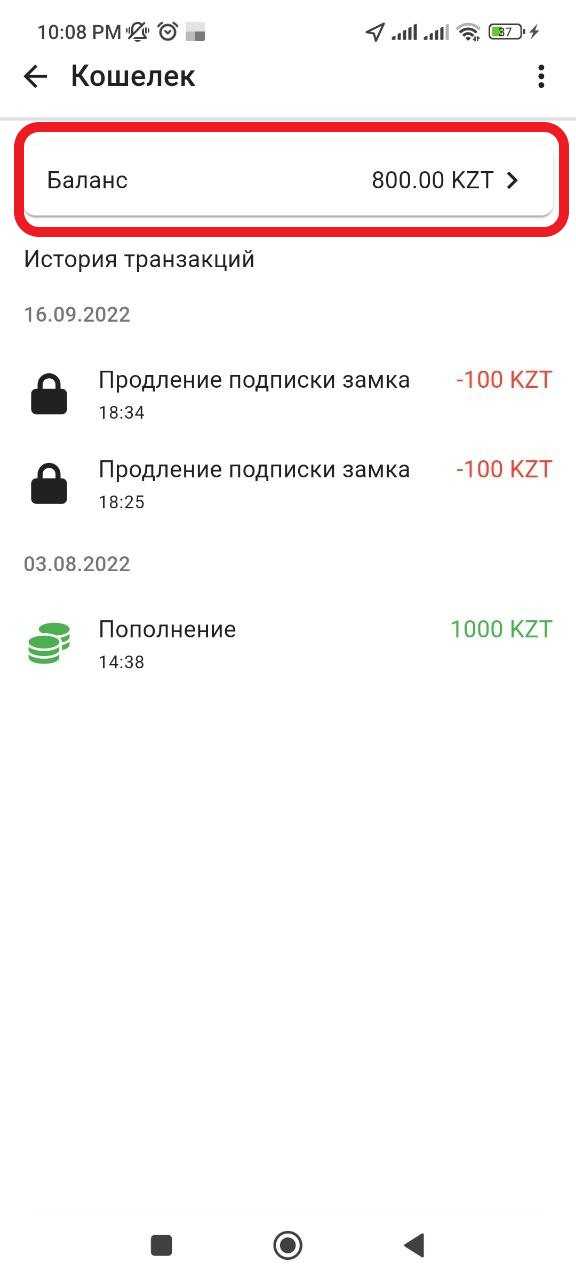
3. In the window that opens, click on the inscription " Balance ". (See example below)
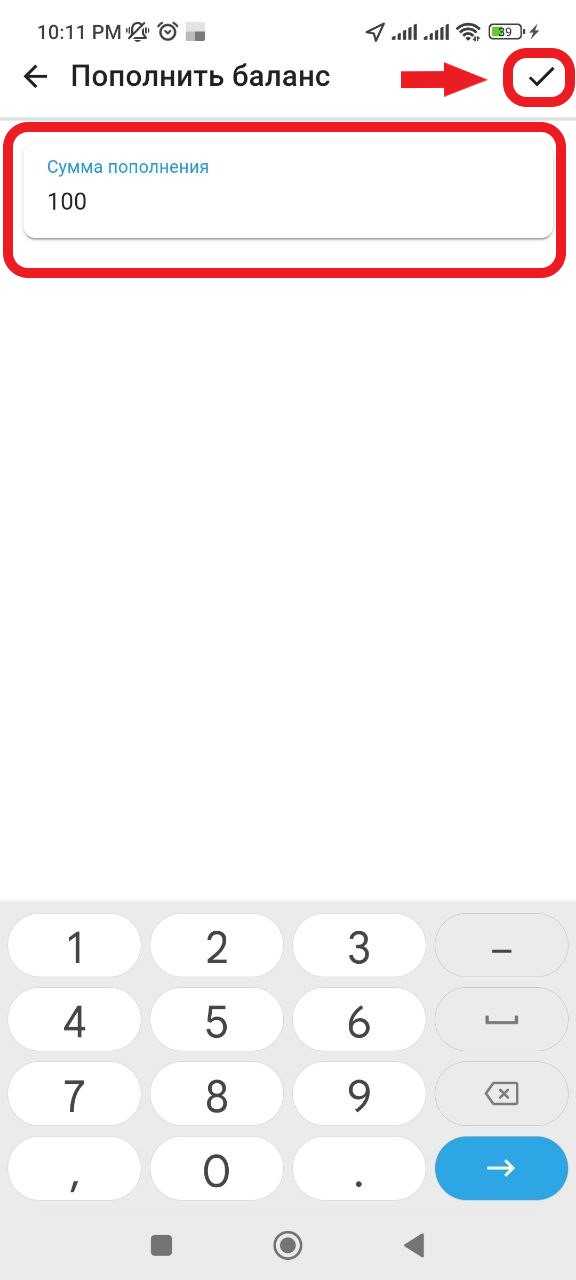
4. In the window that appears, in the " Replenishment amount " column, enter the amount you want to replenish to your wallet. Next, you will need to click on the " ✔ " button. (See example below)
6. 
5. Next, you will be redirected to our partner's online payment service "CloudPayments", where you will need to pay the specified amount by entering your card details.
6. In the future, after payment, you will need to close the payment window and return to the main menu, where in the "Settings" section, check the wallet balance. (See example below). Balance replenishment completed