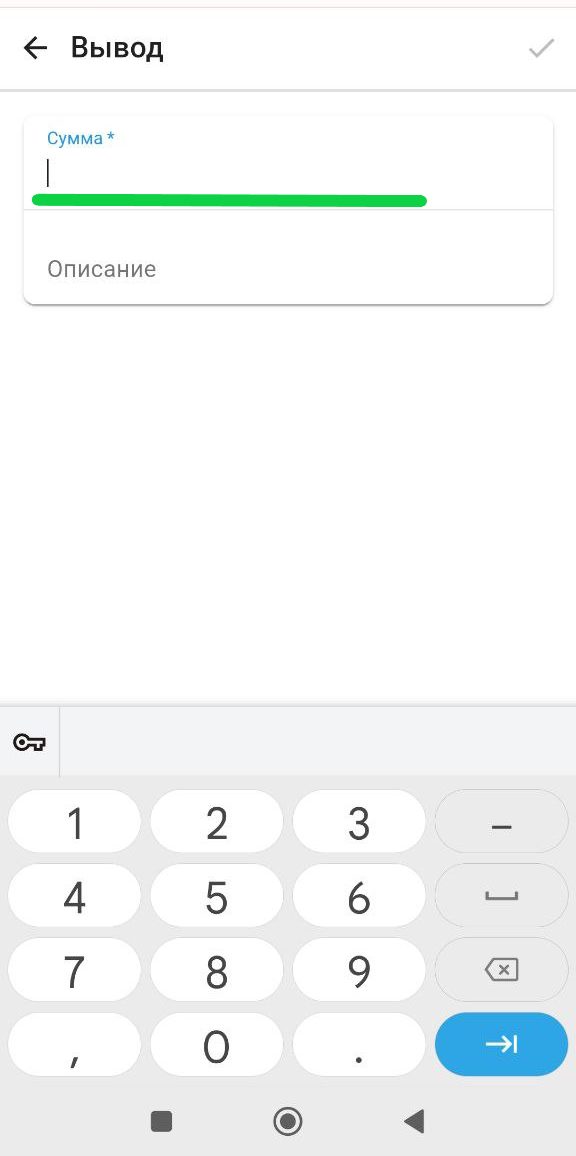
Withdrawal of funds
Application
1. In the ApartX application, go to the " Settings " section in the " Wallet " column 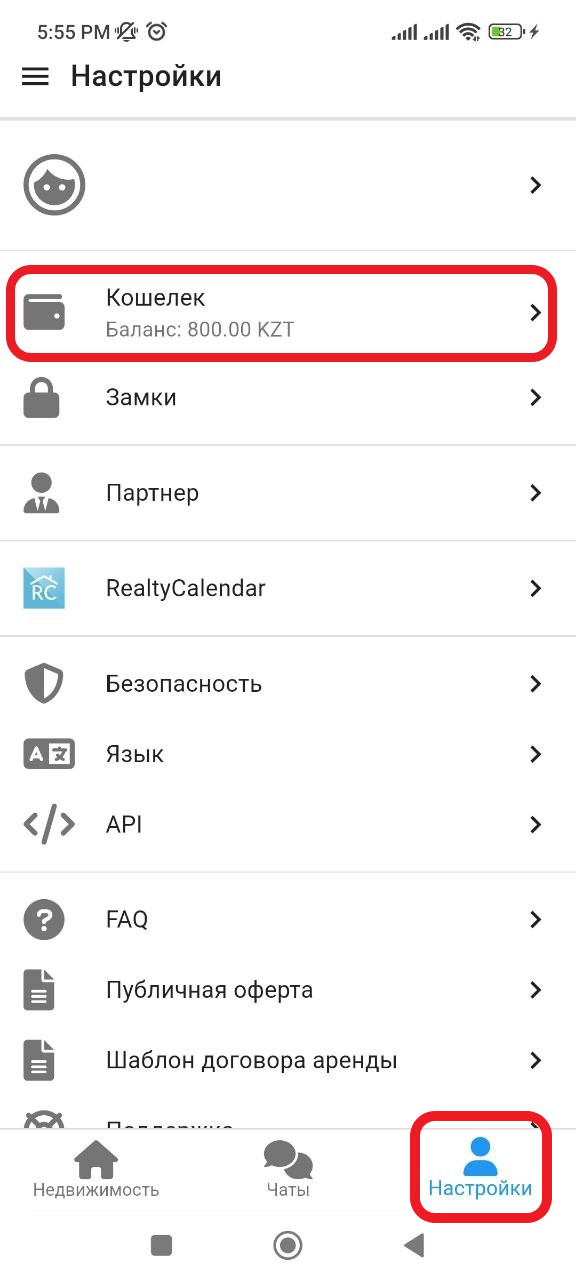
2. In the window that opens, in the upper right corner, click on "  ", then click on the " Withdrawal " button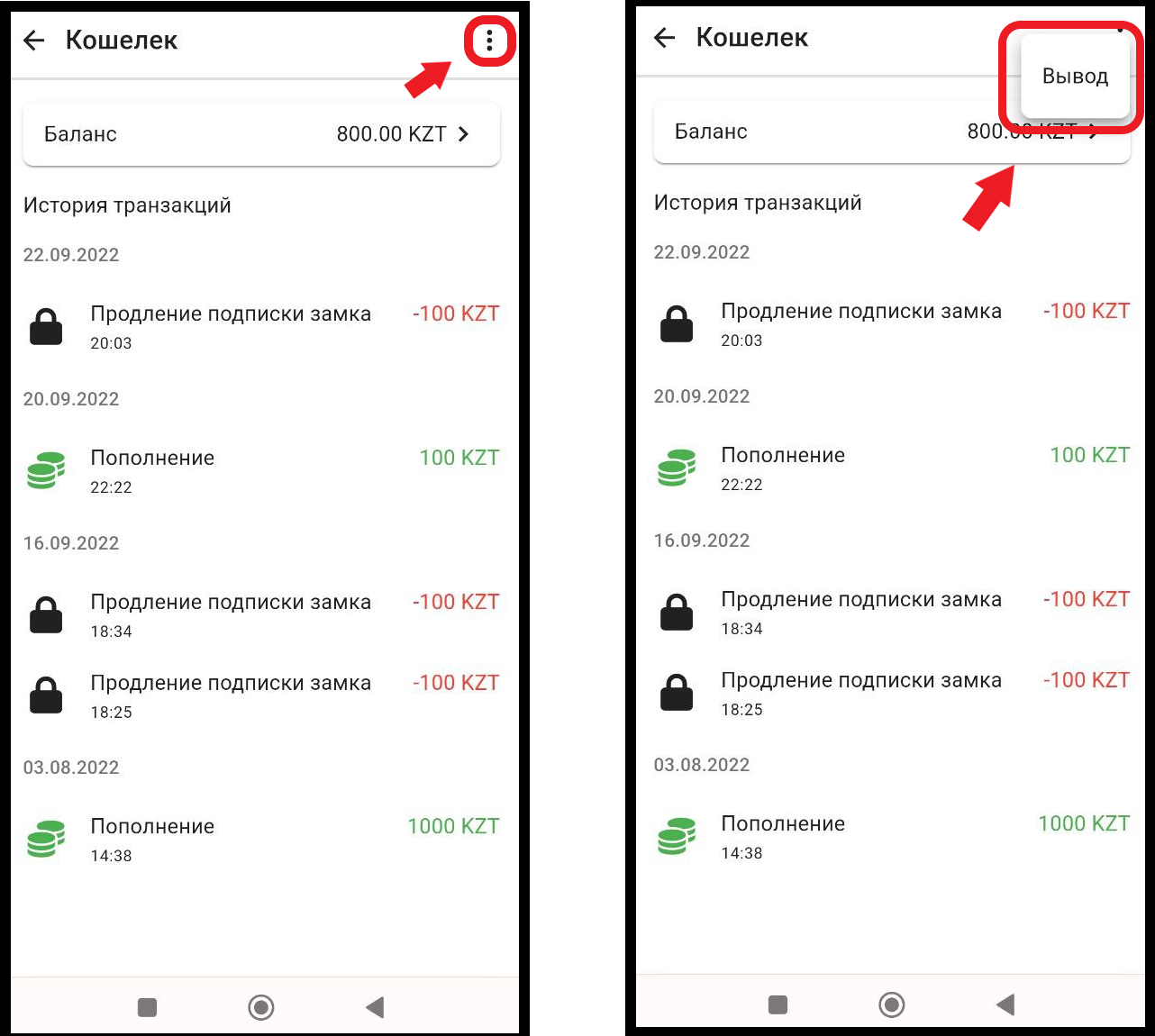
3. In the new window, in the "Amount" column, enter the amount you want to withdraw. In the description, indicate your Kaspiy number or the account number to which you want to transfer funds *Withdrawal requests are accepted only on Thursday, funds are received on Friday