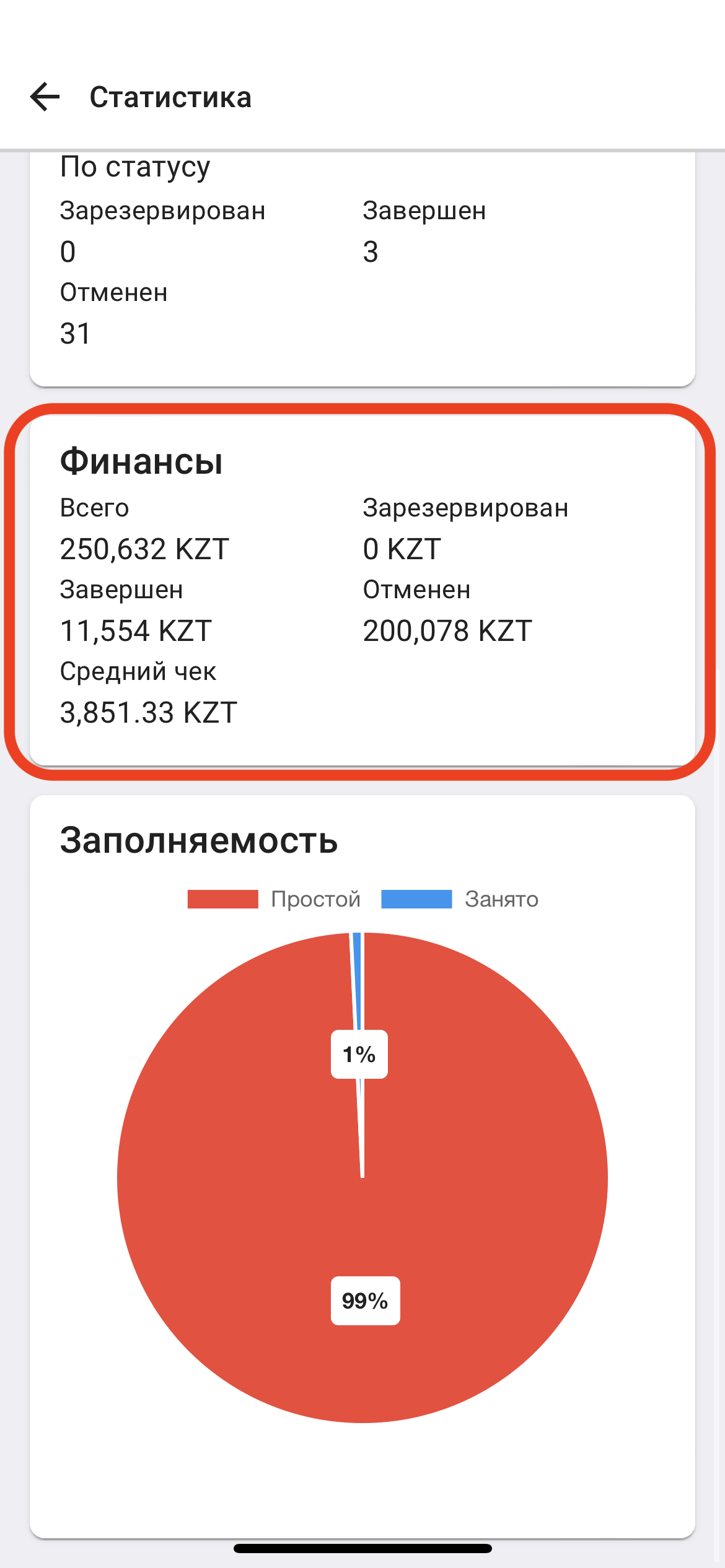
Statistics
1. In the "Real Estate" window, click on the button located in the upper right corner. (See example below) 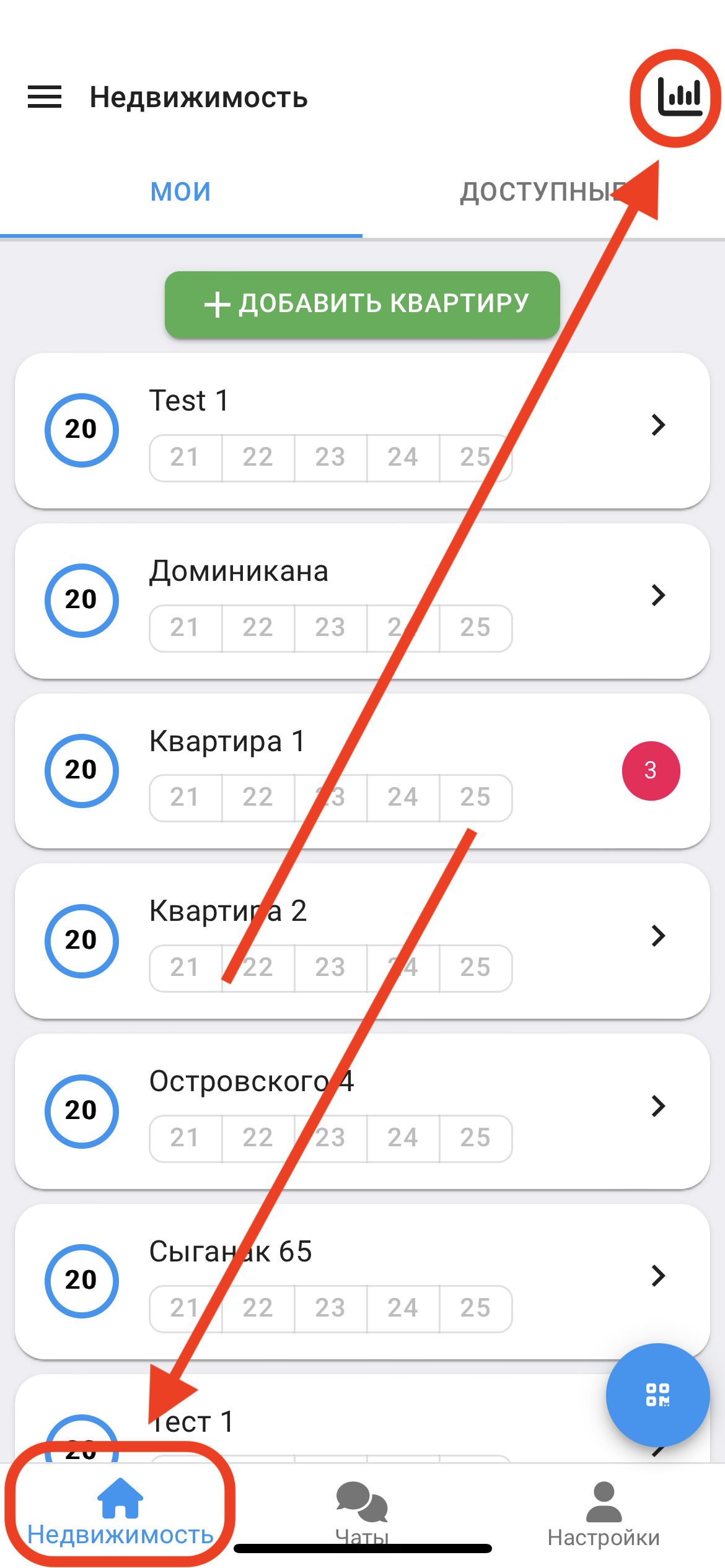
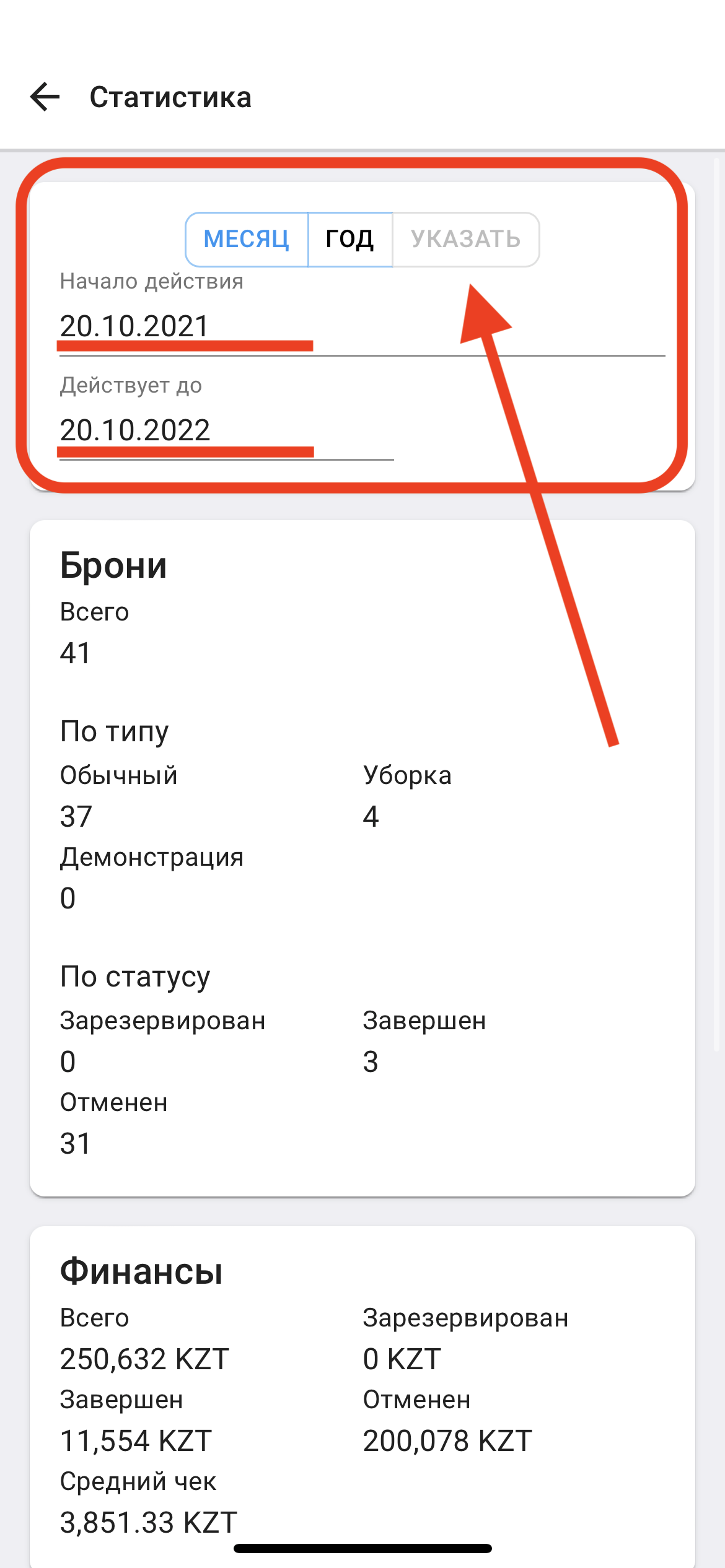
2 . In this window you can view statistics for the year, month and the period selected by the user. In order to select the period, click on the dates and specify the desired period. (see example below)
Here you can see statistics about Reservations and Finances.
3. Then scroll down and you can see information about the occupancy of apartments. (see example below)